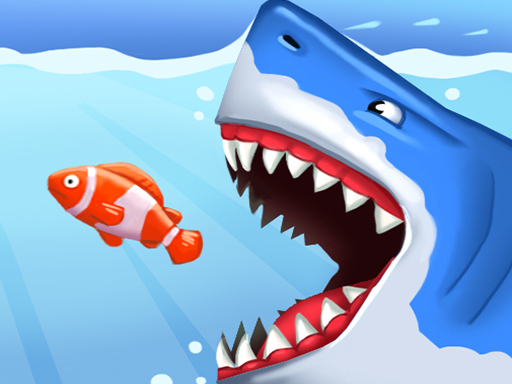
About Super Shark World
Get ready for a fun underwater journey. Move through the submarine full of obstacles. Guide the shark character. Buy characters with the gold you will earn at the end of the game and experience the excitement. You can explore the submarine in 15 different levels or endless mode. Destroy 3 different boss characters and dominate the submarine! For more, try Super Shark World now!
Super Shark World belongs to the Hypercasual category and is best for quick browser entertainment. GamPlayer keeps this page useful with a large play screen, quick facts, reporting and related games.
How to play Super Shark World
- Press Play now or scroll to the game screen.
- Wait for the embedded game to load from GameMonetize.
- Use move w a s d or arrow keys shoot k dash l.
- Use fullscreen if the game needs extra space.
Tips for a better session
- Read the first in-game screen for controls.
- Try fullscreen if the game feels cramped.
- Use related games if this one is close but not perfect.
 Hypercasual
 Hypercasual
 Hypercasual
 Hypercasual
 Hypercasual
 Hypercasual
 Hypercasual
 Hypercasual
 Hypercasual
 Hypercasual
 Hypercasual
 Hypercasual
 Hypercasual
 Hypercasual
 Hypercasual
 Hypercasual
 Hypercasual
 Hypercasual