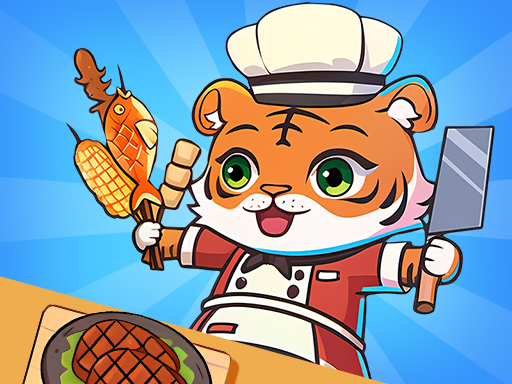
About 2 Player Games Kids Kitchen
Do you want to run your own restaurant? Want to experience the blend of collaboration and cooking fun? Join H5games4us best restaurant tycoon game and enjoy cooking fun. You will engage in different gaming modes. The best part is that you can work together with your friends in the virtual restaurant!
2 Player Games Kids Kitchen belongs to the Hypercasual category and is best for family-friendly casual play. GamPlayer keeps this page useful with a large play screen, quick facts, reporting and related games.
How to play 2 Player Games Kids Kitchen
- Press Play now or scroll to the game screen.
- Wait for the embedded game to load from GameMonetize.
- Use mouse click or tap to play.
- Use fullscreen if the game needs extra space.
Tips for a better session
- Read the first in-game screen for controls.
- Try fullscreen if the game feels cramped.
- Use related games if this one is close but not perfect.
 Hypercasual
 Hypercasual
 Hypercasual
 Hypercasual
 Hypercasual
 Hypercasual
 Hypercasual
 Hypercasual
 Hypercasual
 Hypercasual
 Hypercasual
 Hypercasual
 Hypercasual
 Hypercasual
 Hypercasual
 Hypercasual
 Hypercasual
 Hypercasual