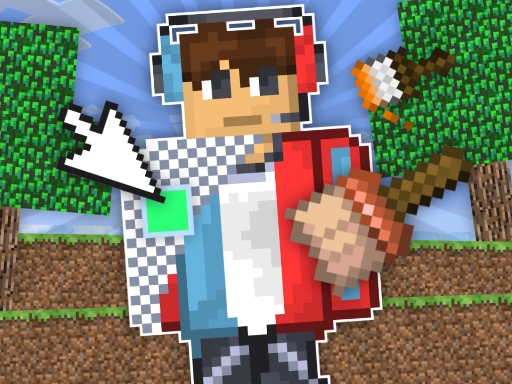
About Draw a skin for Mineblock with physics
Immerse yourself in the amazing world of creating skins and destruction in the world of Mineblock and Playground right now! In this game, you can create your own skins from various colorful blocks, and then experiment with them. For example, you can blow up your skin, take it apart, and much more.
Draw a skin for Mineblock with physics belongs to the Hypercasual category and is best for quick browser entertainment. GamPlayer keeps this page useful with a large play screen, quick facts, reporting and related games.
How to play Draw a skin for Mineblock with physics
- Press Play now or scroll to the game screen.
- Wait for the embedded game to load from GameMonetize.
- Use in the game your task is to create your own skin from various blocks to do this select the color and block you want to draw with and click on the desired pixel to fill it in to replace the blocks you need to activate a special function.
- Use fullscreen if the game needs extra space.
Tips for a better session
- Read the first in-game screen for controls.
- Try fullscreen if the game feels cramped.
- Use related games if this one is close but not perfect.
 Hypercasual
 Hypercasual
 Hypercasual
 Hypercasual
 Hypercasual
 Hypercasual
 Hypercasual
 Hypercasual
 Hypercasual
 Hypercasual
 Hypercasual
 Hypercasual
 Hypercasual
 Hypercasual
 Hypercasual
 Hypercasual
 Hypercasual