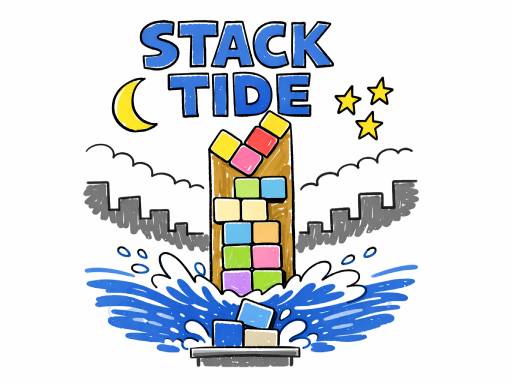
About Stack Tide
Stack Tide is a physics-based stacking game where every block matters. Drop and rotate drifting shapes, build the tallest tower you can, and stay ahead of the rising tide. Missed pieces fall into the water, the sea rises faster, and one bad drop can bring everything closer to the end. With simple controls and endless replay value, every run becomes a tense battle between balance, timing, and pressure.
Stack Tide belongs to the Puzzles category and is best for calm thinking and replayable sessions. GamPlayer keeps this page useful with a large play screen, quick facts, reporting and related games.
How to play Stack Tide
- Press Play now or scroll to the game screen.
- Wait for the embedded game to load from GameMonetize.
- Use desktop drag with the mouse or use a d and left right arrow to move press q e or up down arrow to rotate press space or enter to drop mobile tap and drag to move blocks.
- Use fullscreen if the game needs extra space.
Tips for a better session
- Scan the whole board before making your first move.
- Slow decisions usually work better than rushed clicks.
- Share the page if you want an easy way back later.
 Puzzles
 Puzzles
 Puzzles
 Puzzles
 Puzzles
 Puzzles
 Puzzles
 Puzzles
 Puzzles
 Puzzles
 Puzzles
 Puzzles
 Puzzles
 Puzzles
 Puzzles
 Puzzles
 Puzzles
 Puzzles