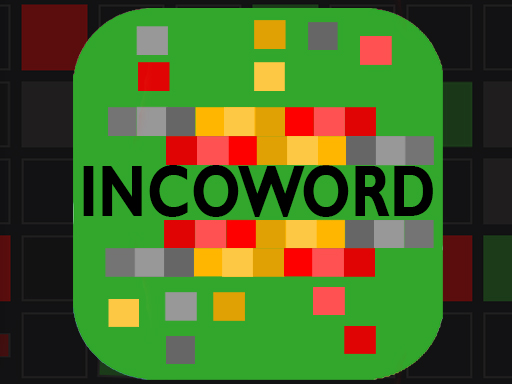
About INCOWORD
INCOWORD is a fun and challenging word guessing game based on sounds. Read the gibberish phrase on the white card out loud to figure out the hidden word. Click the card to flip it for a helpful hint! Use your physical keyboard or the on-screen virtual keyboard to type your guesses and press Enter. Play solo from 5 to 10 letter levels, or join a multiplayer room to race against your friends in real-time!
INCOWORD belongs to the Puzzles category and is best for calm thinking and replayable sessions. GamPlayer keeps this page useful with a large play screen, quick facts, reporting and related games.
How to play INCOWORD
- Press Play now or scroll to the game screen.
- Wait for the embedded game to load from GameMonetize.
- Use desktop keyboard type letters to guess the word backspace delete a letter left click flip the card for a hint or toggle the virtual keyboard mobile tap show keyboard open the on-screen keyboard to type tap backspace delete a letter tap the card.
- Use fullscreen if the game needs extra space.
Tips for a better session
- Test acceleration and turning before chasing a perfect score.
- Fullscreen helps you see corners and obstacles earlier.
- Replay tracks to learn timing.
 Puzzles
 Puzzles
 Puzzles
 Puzzles
 Puzzles
 Puzzles
 Puzzles
 Puzzles
 Puzzles
 Puzzles
 Puzzles
 Puzzles
 Puzzles
 Puzzles
 Puzzles
 Puzzles
 Puzzles
 Puzzles