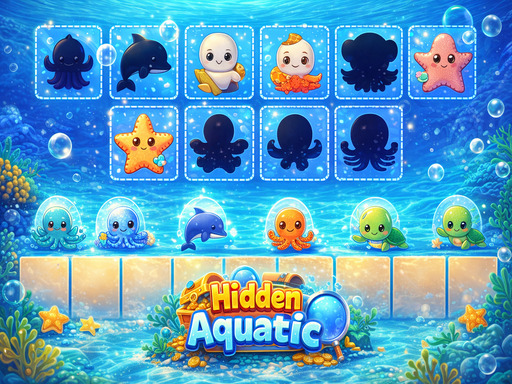
About Hidden Aquatic
Hidden Aquatic is an engaging puzzle game where you arrange sea creatures in their correct positions. Observe carefully, drag and drop accurately, and complete the layout to unlock the next level. Each level increases in difficulty with more fish and unique ocean creatures. The gameplay is simple, relaxing, yet challenging, helping to train your thinking and observation skills. Explore the underwater world now!
Hidden Aquatic belongs to the Puzzles category and is best for calm thinking and replayable sessions. GamPlayer keeps this page useful with a large play screen, quick facts, reporting and related games.
How to play Hidden Aquatic
- Press Play now or scroll to the game screen.
- Wait for the embedded game to load from GameMonetize.
- Use use mouse to play.
- Use fullscreen if the game needs extra space.
Tips for a better session
- Test acceleration and turning before chasing a perfect score.
- Fullscreen helps you see corners and obstacles earlier.
- Replay tracks to learn timing.
 Puzzles
 Puzzles
 Puzzles
 Puzzles
 Puzzles
 Puzzles
 Puzzles
 Puzzles
 Puzzles
 Puzzles
 Puzzles
 Puzzles
 Puzzles
 Puzzles
 Puzzles
 Puzzles
 Puzzles
 Puzzles