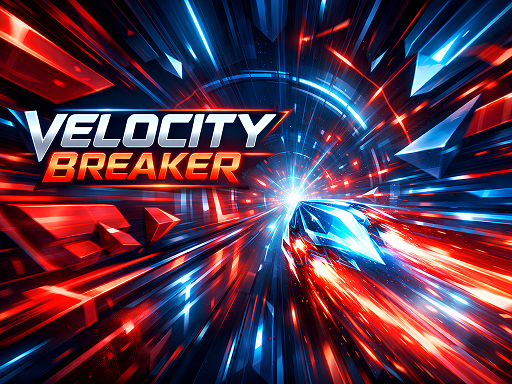
About Velocity Breaker
Velocity Breaker is a high-speed reflex game where survival depends on precision and timing. Control a fast-moving energy shard as it races through a constantly scrolling neon tunnel filled with deadly obstacles. The game moves forward automatically — your job is to dodge, dash, and react in milliseconds. Choose between Easy, Medium, and Hard modes, each increasing speed and challenge. Master the dash mechanic, survive intense obstacle patterns, and push your reflexes to the limit while chasing the highest distance-based score.
Velocity Breaker belongs to the Hypercasual category and is best for speed, driving and reaction practice. GamPlayer keeps this page useful with a large play screen, quick facts, reporting and related games.
How to play Velocity Breaker
- Press Play now or scroll to the game screen.
- Wait for the embedded game to load from GameMonetize.
- Use move left and right to dodge obstacles while speeding forward automatically use dash carefully to escape tight situations the faster you survive the higher your score climbs.
- Use fullscreen if the game needs extra space.
Tips for a better session
- Read the first in-game screen for controls.
- Try fullscreen if the game feels cramped.
- Use related games if this one is close but not perfect.
 Hypercasual
 Hypercasual
 Hypercasual
 Hypercasual
 Hypercasual
 Hypercasual
 Hypercasual
 Hypercasual
 Hypercasual
 Hypercasual
 Hypercasual
 Hypercasual
 Hypercasual
 Hypercasual
 Hypercasual
 Hypercasual
 Hypercasual
 Hypercasual