
About Toss The Ring
Ready to test your aim in Toss The Ring! This addictive ring-toss challenge turns simple throwing mechanics into an exciting skill arcade adventure. Every level introduces new surprises, making the gameplay both relaxing and thrilling. Fans of casual and relaxation games will love every second of this colorful experience! Thanks to the Simple one-tap mechanics, anyone can start playing instantly.
Toss The Ring belongs to the Hypercasual category and is best for quick browser entertainment. GamPlayer keeps this page useful with a large play screen, quick facts, reporting and related games.
How to play Toss The Ring
- Press Play now or scroll to the game screen.
- Wait for the embedded game to load from GameMonetize.
- Use click and drag to play.
- Use fullscreen if the game needs extra space.
Tips for a better session
- Read the first in-game screen for controls.
- Try fullscreen if the game feels cramped.
- Use related games if this one is close but not perfect.
 Hypercasual
 Hypercasual
 Hypercasual
 Hypercasual
 Hypercasual
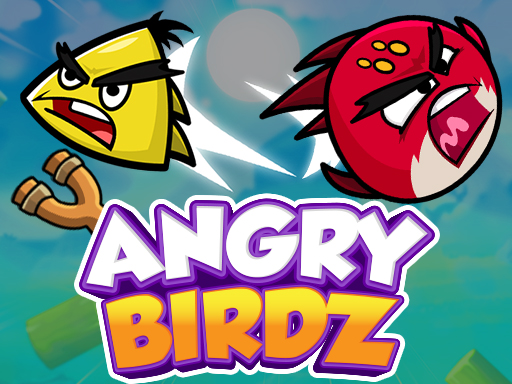 Hypercasual
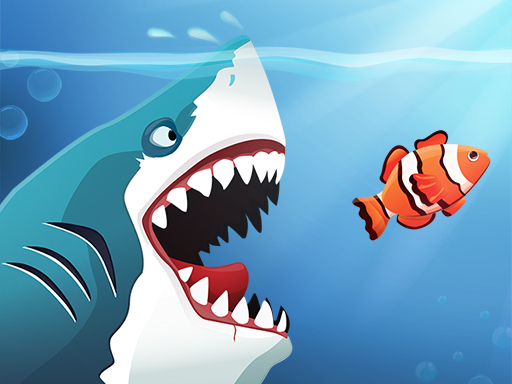 Hypercasual
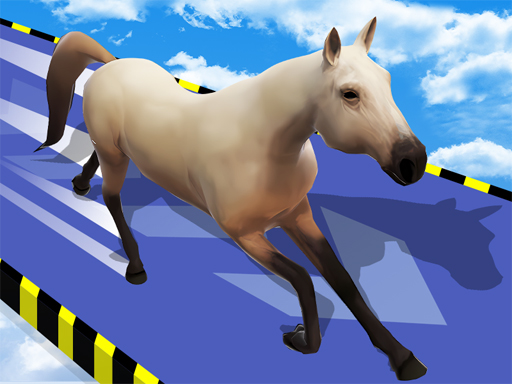 Hypercasual
 Hypercasual
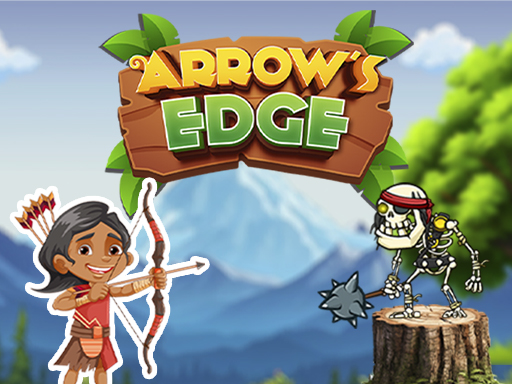 Hypercasual
 Hypercasual
 Hypercasual
 Hypercasual
 Hypercasual
 Hypercasual
 Hypercasual
 Hypercasual
 Hypercasual