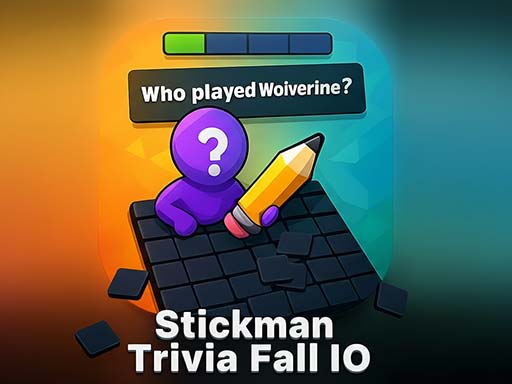
About Stickman Trivia Fall IO
Stickman Trivia Fall io takes your trivia skills to the next level! Challenge your brain and reflexes as you compete against friends and players worldwide. Test your knowledge in Solo Mode, progress through fun quests, and beat the Boss to earn rewards. Love multiplayer? Jump into the Arena to battle up to four players, climb leaderboards, and score big! Play Classic one-on-one matches, enjoy weekly and monthly special quizzes, and customize your stickman avatar. Hundreds of trivia questions across multiple categories make this the ultimate addictive quiz & trivia game!
Stickman Trivia Fall IO belongs to the Multiplayer category and is best for family-friendly casual play. GamPlayer keeps this page useful with a large play screen, quick facts, reporting and related games.
How to play Stickman Trivia Fall IO
- Press Play now or scroll to the game screen.
- Wait for the embedded game to load from GameMonetize.
- Use double left-click on the correct answer text to move your stickman there.
- Use fullscreen if the game needs extra space.
Tips for a better session
- Read the first in-game screen for controls.
- Try fullscreen if the game feels cramped.
- Use related games if this one is close but not perfect.
 Multiplayer
 Multiplayer
 Multiplayer
 Multiplayer
 Multiplayer
 Multiplayer
 Multiplayer
 Multiplayer
 Multiplayer
 Multiplayer
 Multiplayer
 Multiplayer
 Multiplayer
 Multiplayer
 Multiplayer
 Multiplayer
 Multiplayer
 Multiplayer