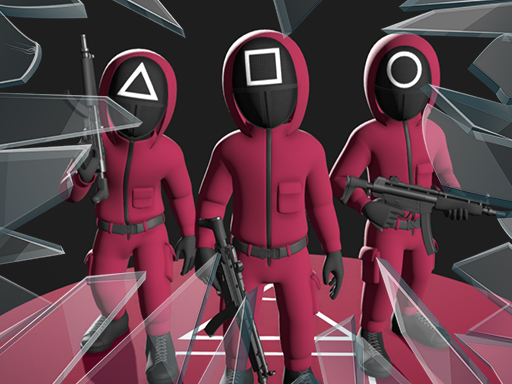
About Squid Glass Bridge
Do you want to play a fun Squid Game? Glass Bridge game from Squid Game is now on the web. Choose the difficulty level on the main menu and try to find the right glass. Jump over the windows and avoid the fake window. If you stand on the fake glass, the glass will break and you will fall to your death. Keep your eyes peeled and start managing your character to finish all the way carefully! Have fun.
Squid Glass Bridge belongs to the Hypercasual category and is best for speed, driving and reaction practice. GamPlayer keeps this page useful with a large play screen, quick facts, reporting and related games.
How to play Squid Glass Bridge
- Press Play now or scroll to the game screen.
- Wait for the embedded game to load from GameMonetize.
- Use character movement w a s d or arrow keys jump space move the mouse to see the surroundings.
- Use fullscreen if the game needs extra space.
Tips for a better session
- Test acceleration and turning before chasing a perfect score.
- Fullscreen helps you see corners and obstacles earlier.
- Replay tracks to learn timing.
 Hypercasual
 Hypercasual
 Hypercasual
 Hypercasual
 Hypercasual
 Hypercasual
 Hypercasual
 Hypercasual
 Hypercasual
 Hypercasual
 Hypercasual
 Hypercasual
 Hypercasual
 Hypercasual
 Hypercasual
 Hypercasual
 Hypercasual
 Hypercasual