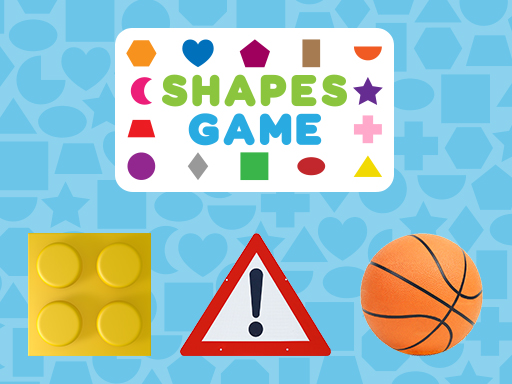
About Shapes Game
Shapes Game is a educational game for kids to explore the fascinating world of geometric shapes on their cell phones, tablets, or computers. This interactive and entertaining game offers young learners an engaging experience as they navigate through a colourful universe filled with puzzles, challenges, and shape recognition activities. With captivating visuals and user-friendly gameplay, Shapes Game ensures that children have a blast while enhancing their understanding of essential mathematical concepts. Make learning shapes an exciting journey with this delightful educational game!
Shapes Game belongs to the Puzzles category and is best for family-friendly casual play. GamPlayer keeps this page useful with a large play screen, quick facts, reporting and related games.
How to play Shapes Game
- Press Play now or scroll to the game screen.
- Wait for the embedded game to load from GameMonetize.
- Use click on the images that represent the requested geometric shape.
- Use fullscreen if the game needs extra space.
Tips for a better session
- Scan the whole board before making your first move.
- Slow decisions usually work better than rushed clicks.
- Share the page if you want an easy way back later.
 Puzzles
 Puzzles
 Puzzles
 Puzzles
 Puzzles
 Puzzles
 Puzzles
 Puzzles
 Puzzles
 Puzzles
 Puzzles
 Puzzles
 Puzzles
 Puzzles
 Puzzles
 Puzzles
 Puzzles
 Puzzles