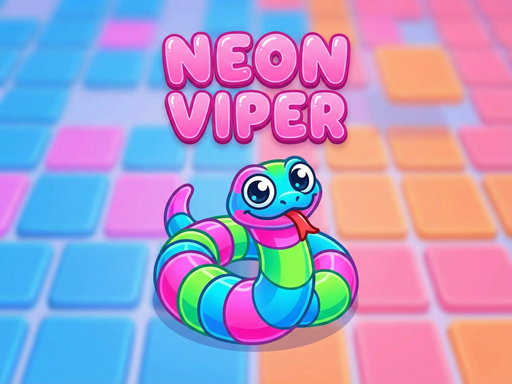
About Neon Viper
Experience the Ultimate IO Battle Thrill! In Neon Viper, consume glowing dots to grow and use tactical maneuvers to cut off enemies, forcing them to crash into you! Dual Modes: Tackle the strategic Campaign or push your limits in Endless Mode. Tactical Shop: Earn coins to unlock powerful items like Shields and Mega Starts. Second Chance: Made a mistake? Watch an ad to Revive and keep your high score streak alive! Smooth Controls: Fully supports PC Keyboard and Mobile Touch Joystick.
Neon Viper belongs to the Hypercasual category and is best for quick browser entertainment. GamPlayer keeps this page useful with a large play screen, quick facts, reporting and related games.
How to play Neon Viper
- Press Play now or scroll to the game screen.
- Wait for the embedded game to load from GameMonetize.
- Use this game supports two operation methods pc and mobile devices phones tablets 1 pc control keyboard movement direction use the arrow keys uarr darr larr rarr or wasd keys w up s down a left d right acceleration sprint hold down.
- Use fullscreen if the game needs extra space.
Tips for a better session
- Read the first in-game screen for controls.
- Try fullscreen if the game feels cramped.
- Use related games if this one is close but not perfect.
 Hypercasual
 Hypercasual
 Hypercasual
 Hypercasual
 Hypercasual
 Hypercasual
 Hypercasual
 Hypercasual
 Hypercasual
 Hypercasual
 Hypercasual
 Hypercasual
 Hypercasual
 Hypercasual
 Hypercasual
 Hypercasual
 Hypercasual
 Hypercasual