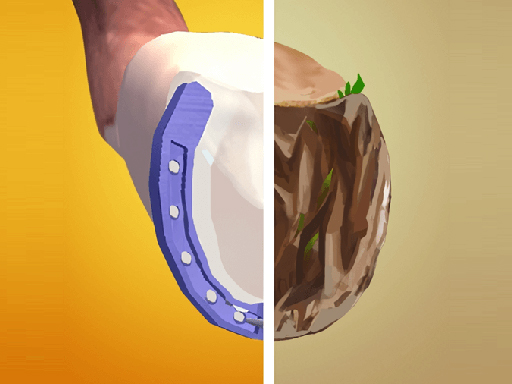
About Horseshoeing
Play Horseshoeing and be the owner of a Horse stable in this game, and it's your job to make your equine companions feel good and active. Horse Shoeing gamifies barn life by featuring a vast amount of mini-games where you clean and shoe your horses' hoofs, brush their hair, take them on rides, play with them, and much more!
Horseshoeing belongs to the Hypercasual category and is best for quick browser entertainment. GamPlayer keeps this page useful with a large play screen, quick facts, reporting and related games.
How to play Horseshoeing
- Press Play now or scroll to the game screen.
- Wait for the embedded game to load from GameMonetize.
- Use hold down your left mouse button or your finger in accordance with the on-screen instructions to complete mini games.
- Use fullscreen if the game needs extra space.
Tips for a better session
- Read the first in-game screen for controls.
- Try fullscreen if the game feels cramped.
- Use related games if this one is close but not perfect.
 Hypercasual
 Hypercasual
 Hypercasual
 Hypercasual
 Hypercasual
 Hypercasual
 Hypercasual
 Hypercasual
 Hypercasual
 Hypercasual
 Hypercasual
 Hypercasual
 Hypercasual
 Hypercasual
 Hypercasual
 Hypercasual
 Hypercasual
 Hypercasual