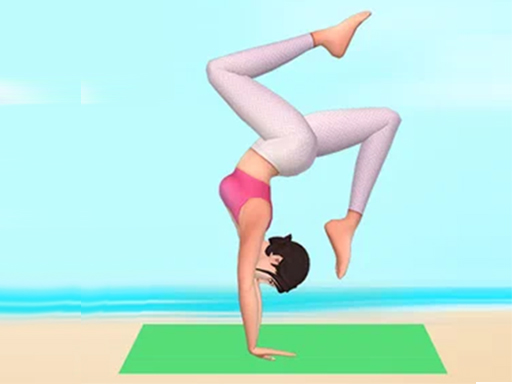
About Flex Escape
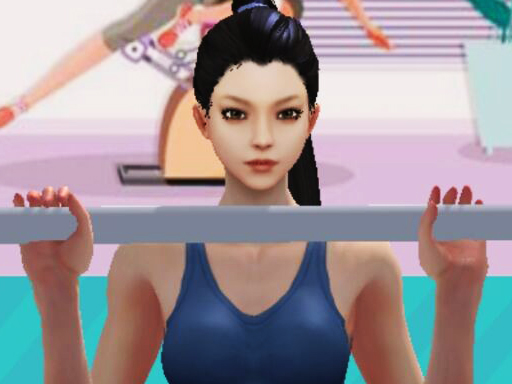
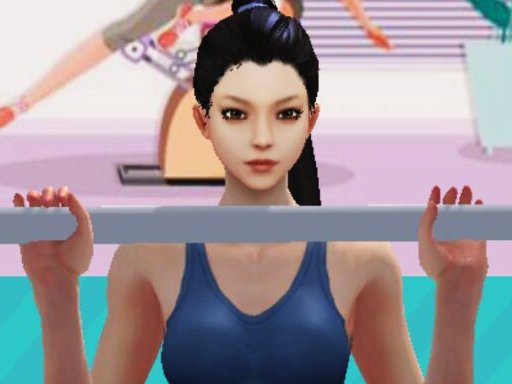
Flex Escape 3D is a fun game where you stretch and flex to avoid obstacles. Instead of running, you stay on a mat and use your flexibility to dodge furniture and appliances thrown at you. By moving left or right with simple controls, you can navigate through the challenges. Collecting gems helps unlock new objects, making the game even more exciting. The goal is to make it to the end without hitting any obstacles while staying focused and flexible.
Flex Escape belongs to the Hypercasual category and is best for quick browser entertainment. GamPlayer keeps this page useful with a large play screen, quick facts, reporting and related games.
How to play Flex Escape
- Press Play now or scroll to the game screen.
- Wait for the embedded game to load from GameMonetize.
- Use mouse click or tap to play.
- Use fullscreen if the game needs extra space.
Tips for a better session
- Read the first in-game screen for controls.
- Try fullscreen if the game feels cramped.
- Use related games if this one is close but not perfect.
 Hypercasual
 Hypercasual
 Hypercasual
 Hypercasual
 Hypercasual
 Hypercasual
 Hypercasual
 Hypercasual
 Hypercasual
 Hypercasual
 Hypercasual
 Hypercasual
 Hypercasual
 Hypercasual
 Hypercasual
 Hypercasual
 Hypercasual
 Hypercasual