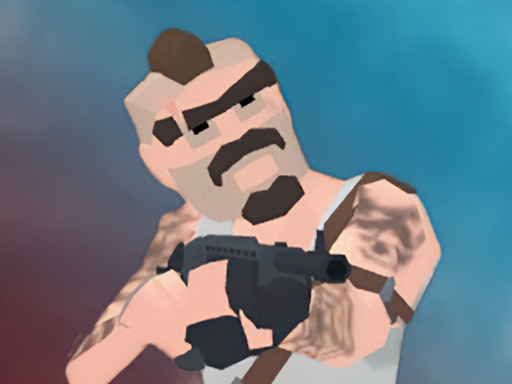
About Desire IO
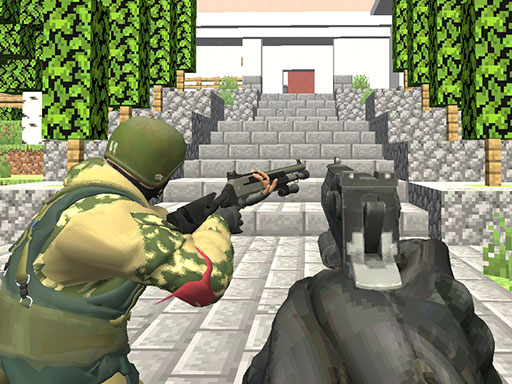
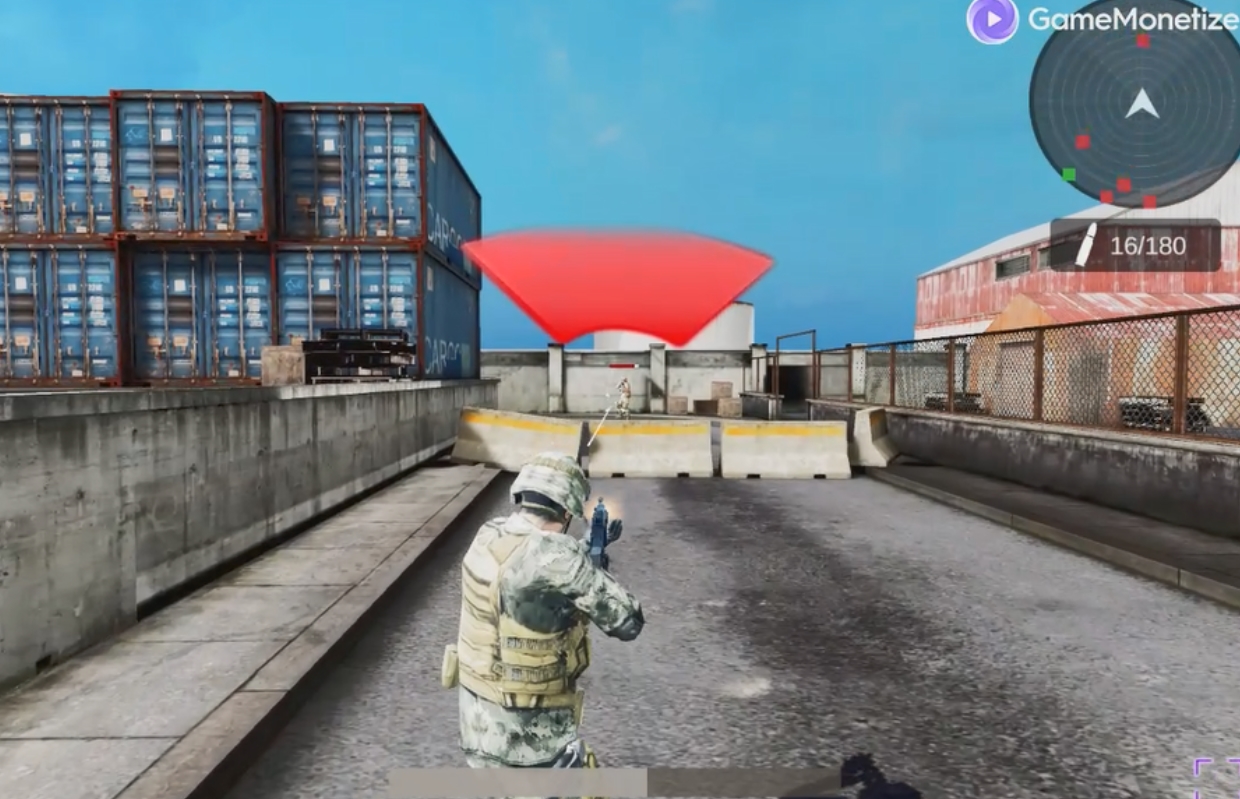
A dynamic multiplayer game with a first-person view! There are several game modes available for you to choose from that are suitable for all players. Unlock and upgrade fighters, complete tasks and compete with other players in tournaments!
Desire IO belongs to the Shooting category and is best for quick reactions and arcade breaks. GamPlayer keeps this page useful with a large play screen, quick facts, reporting and related games.
How to play Desire IO
- Press Play now or scroll to the game screen.
- Wait for the embedded game to load from GameMonetize.
- Use moving - wasd shooting - left mouse button aiming - right mouse button changing weapons - mouse wheel jump - space sit down - c running - shift to the left you can also change the controls in the game settings.
- Use fullscreen if the game needs extra space.
Tips for a better session
- Read the first in-game screen for controls.
- Try fullscreen if the game feels cramped.
- Use related games if this one is close but not perfect.
 Shooting
 Shooting
 Shooting
 Shooting
 Shooting
 Shooting
 Shooting
 Shooting
 Shooting
 Shooting
 Shooting
 Shooting
 Shooting
 Shooting
 Shooting
 Shooting
 Shooting
 Shooting