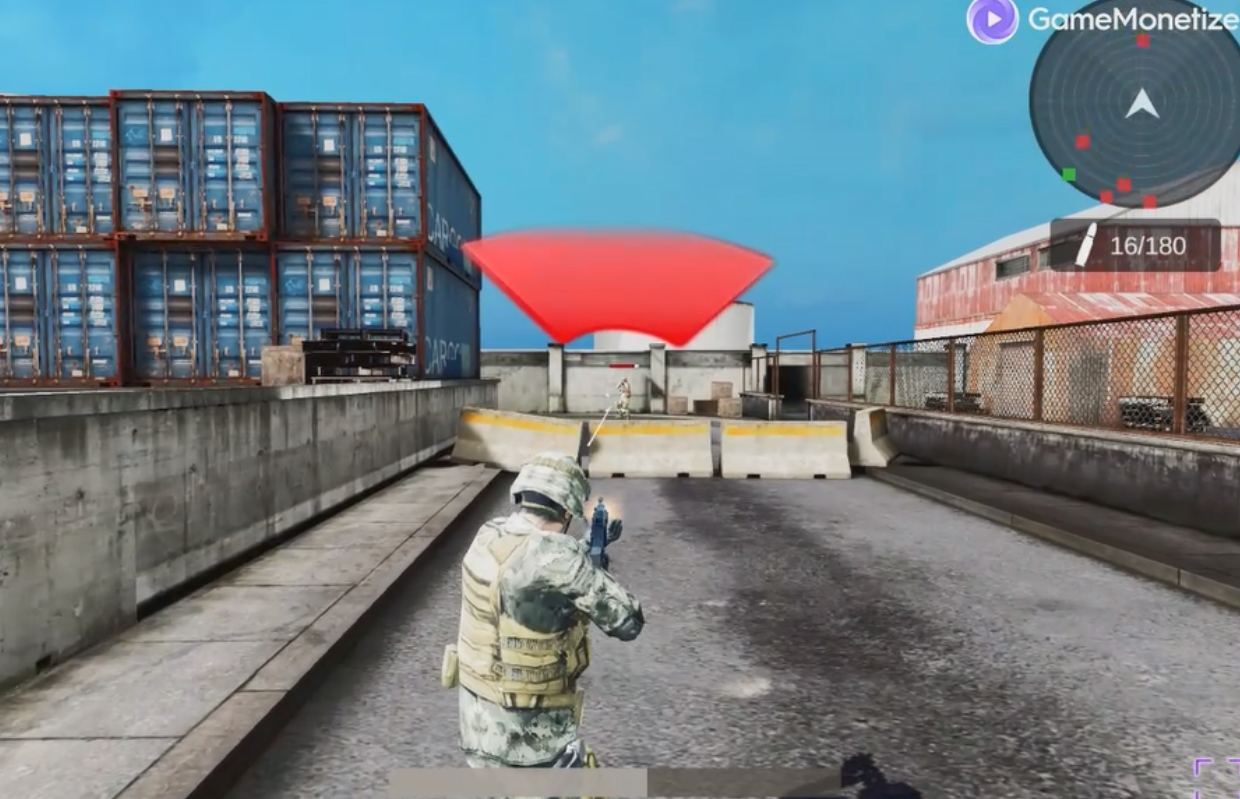
About COD Duty Call FPS
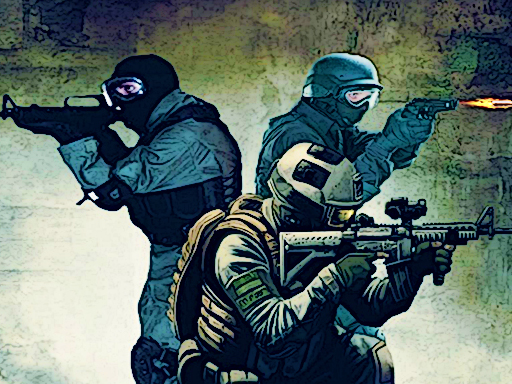
Step into the war-torn battlefield in COD Duty Call FPS, a fast-paced first-person shooter that throws players into the heart of modern warfare. Set in a near-future conflict, you assume the role of an elite special forces operative deployed across volatile regions, urban warzones, and covert enemy facilities in a campaign filled with explosive action and immersive storytelling. COD Duty Call FPS delivers an adrenaline-fueled experience where your reflexes, tactics, and precision will determine survival. The game features a gripping single-player campaign that follows a high-stakes mission to prevent global catastrophe. As a member of Shado
COD Duty Call FPS belongs to the Shooting category and is best for family-friendly casual play. GamPlayer keeps this page useful with a large play screen, quick facts, reporting and related games.
How to play COD Duty Call FPS
- Press Play now or scroll to the game screen.
- Wait for the embedded game to load from GameMonetize.
- Use wasd - move space - jump mouse - aim and shoot shift - run.
- Use fullscreen if the game needs extra space.
Tips for a better session
- Read the first in-game screen for controls.
- Try fullscreen if the game feels cramped.
- Use related games if this one is close but not perfect.
 Shooting
 Shooting
 Shooting
 Shooting
 Shooting
 Shooting
 Shooting
 Shooting
 Shooting
 Shooting
 Shooting
 Shooting
 Shooting
 Shooting
 Shooting
 Shooting
 Shooting
 Shooting