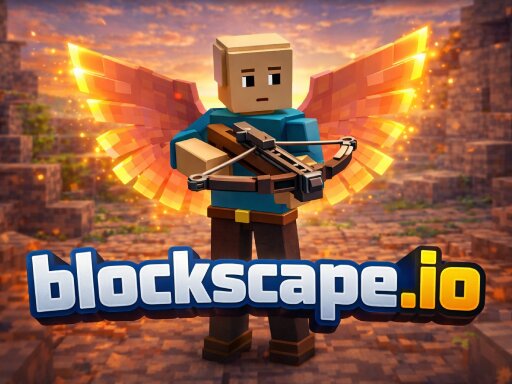
About blockscape.io
Blockscape.io is a free browser-based voxel MMO. Mine ores, chop trees, fight monsters, and smith powerful weapons as you train 4 skills and level up. Collect rare gems, trade with other players, and explore a 3D multiplayer world — no download required.
blockscape.io belongs to the Multiplayer category and is best for quick reactions and arcade breaks. GamPlayer keeps this page useful with a large play screen, quick facts, reporting and related games.
How to play blockscape.io
- Press Play now or scroll to the game screen.
- Wait for the embedded game to load from GameMonetize.
- Use wasd - move space - jump left click - mine attack v - toggle camera perspective t - open chat tab - open inventory 1-9 - select hotbar slot e - interact sell esc - settings menu.
- Use fullscreen if the game needs extra space.
Tips for a better session
- Read the first in-game screen for controls.
- Try fullscreen if the game feels cramped.
- Use related games if this one is close but not perfect.
 Multiplayer
 Multiplayer
 Multiplayer
 Multiplayer
 Multiplayer
 Multiplayer
 Multiplayer
 Multiplayer
 Multiplayer
 Multiplayer
 Multiplayer
 Multiplayer
 Multiplayer
 Multiplayer
 Multiplayer
 Multiplayer
 Multiplayer
 Multiplayer