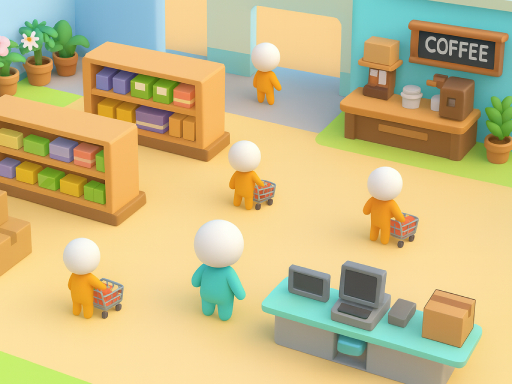
About Big Supermarket Simulator
Big Supermarket Simulator is a light business simulation game: start from a small supermarket, restock, cashier, clean, and add new products. Every gold coin you earn can be invested in upgrades. As the scale expands, you can open coffee shops and flower shops to create a multi-business commercial street. Hire employees, unlock automated production lines, optimize movement lines and warehousing, and improve customer satisfaction and unit price. Even if you take a break, offline income will continue to accumulate - step by step, turn your store into the most lively shopping landmark in the city!
Big Supermarket Simulator belongs to the Hypercasual category and is best for quick reactions and arcade breaks. GamPlayer keeps this page useful with a large play screen, quick facts, reporting and related games.
How to play Big Supermarket Simulator
- Press Play now or scroll to the game screen.
- Wait for the embedded game to load from GameMonetize.
- Use mouse click or tap to play.
- Use fullscreen if the game needs extra space.
Tips for a better session
- Read the first in-game screen for controls.
- Try fullscreen if the game feels cramped.
- Use related games if this one is close but not perfect.
 Hypercasual
 Hypercasual
 Hypercasual
 Hypercasual
 Hypercasual
 Hypercasual
 Hypercasual
 Hypercasual
 Hypercasual
 Hypercasual
 Hypercasual
 Hypercasual
 Hypercasual
 Hypercasual
 Hypercasual
 Hypercasual
 Hypercasual
 Hypercasual