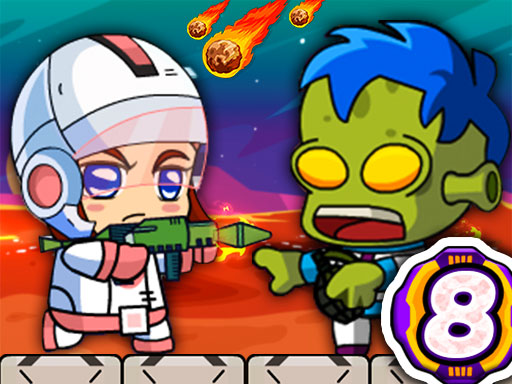
About Zombie Mission 8
Zombie Mission 8 continues the adventure from where it left off. After the space station, Zombies invade the Mars Colony this time. Scientists and workers on Mars have been taken prisoner by Zombies. You must use the necessary weapons and vehicles to save them. Also, do not forget to collect the objects in the levels. A warning will come before meteor streams. After the warning, you must immediately go to the shield cabin.
Zombie Mission 8 belongs to the Adventure category and is best for quick reactions and arcade breaks. GamPlayer keeps this page useful with a large play screen, quick facts, reporting and related games.
How to play Zombie Mission 8
- Press Play now or scroll to the game screen.
- Wait for the embedded game to load from GameMonetize.
- Use player 1 move w a s d hit f grenade g jump w walk on the wall switch weapon q-e player 2 move arrow keys hit l grenade k jump up arrow key walk on the wall switch weapon o-p.
- Use fullscreen if the game needs extra space.
Tips for a better session
- Read the first in-game screen for controls.
- Try fullscreen if the game feels cramped.
- Use related games if this one is close but not perfect.
 Adventure
 Adventure
 Adventure
 Adventure
 Adventure
 Adventure
 Adventure
 Adventure
 Adventure
 Adventure
 Adventure
 Adventure
 Adventure
 Adventure
 Adventure
 Adventure
 Adventure
 Adventure