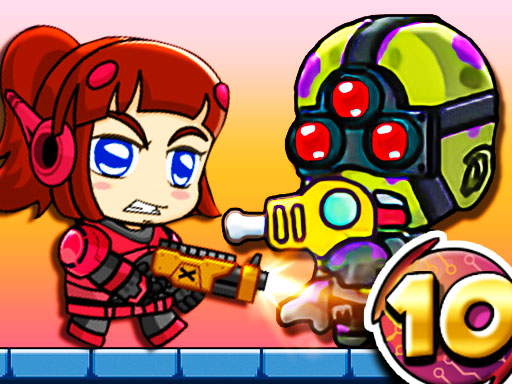
About Zombie Mission 10
Zombie Mission 10 continues with the Prison Breakout section! The underground prison has been taken over by the zombies and you must rescue the hostages also help the injured as well. With the new expanded version of Zombie Mission, you have to fight 30 LEVELS ! There will be 7 different bosses at different levels. The strongest boss, of course, is waiting for you in the final level! Don't forget to buy weapons and upgrade with the coins you earn as you pass the levels!
Zombie Mission 10 belongs to the Action category and is best for quick reactions and arcade breaks. GamPlayer keeps this page useful with a large play screen, quick facts, reporting and related games.
How to play Zombie Mission 10
- Press Play now or scroll to the game screen.
- Wait for the embedded game to load from GameMonetize.
- Use player 1 move w a s d hit f grenade g jump w walk on the wall switch weapon q-e player 2 move arrow keys hit l grenade k jump up arrow key walk on the wall switch weapon o-p.
- Use fullscreen if the game needs extra space.
Tips for a better session
- Read the first in-game screen for controls.
- Try fullscreen if the game feels cramped.
- Use related games if this one is close but not perfect.
 Action
 Action
 Action
 Action
 Action
 Action
 Action
 Action
 Action
 Action
 Action
 Action
 Action
 Action
 Action
 Action
 Action
 Action