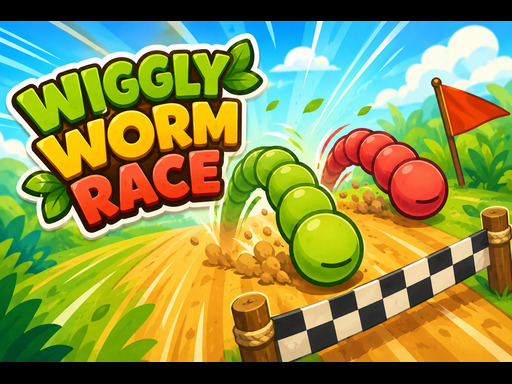
About Wiggly Worm Race
Wiggly Worm Race is a simple and super fun racing game for kids! Pick your worm, tap your button as fast as you can, and be the first to cross the finish line. Choose between 3 levels and Play solo or race against up to 3 friends on the same screen. Whos the fastest worm in town? Thankyou very much for playing. Feedbacks are always welcome!
Wiggly Worm Race belongs to the Sports category and is best for family-friendly casual play. GamPlayer keeps this page useful with a large play screen, quick facts, reporting and related games.
How to play Wiggly Worm Race
- Press Play now or scroll to the game screen.
- Wait for the embedded game to load from GameMonetize.
- Use player 1 arrow keys touch right and left side player 2 a amp s keys player 3 v amp b keys player 4 l amp k keys.
- Use fullscreen if the game needs extra space.
Tips for a better session
- Test acceleration and turning before chasing a perfect score.
- Fullscreen helps you see corners and obstacles earlier.
- Replay tracks to learn timing.
 Sports
 Sports
 Sports
 Sports
 Sports
 Sports
 Sports
 Sports
 Sports
 Sports
 Sports
 Sports
 Sports
 Sports
 Sports
 Sports
 Sports
 Sports