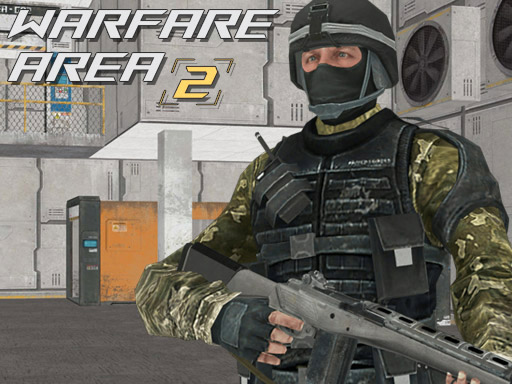
About Warfare Area 2
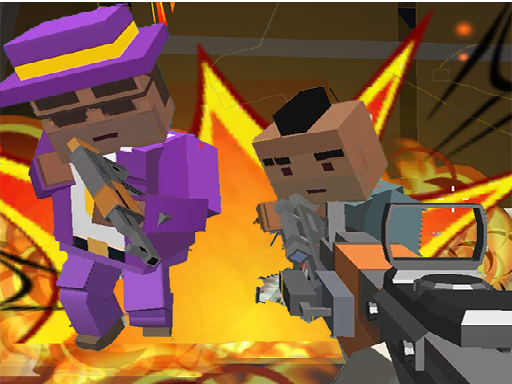
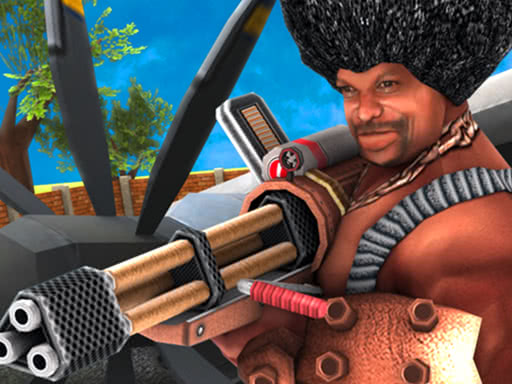
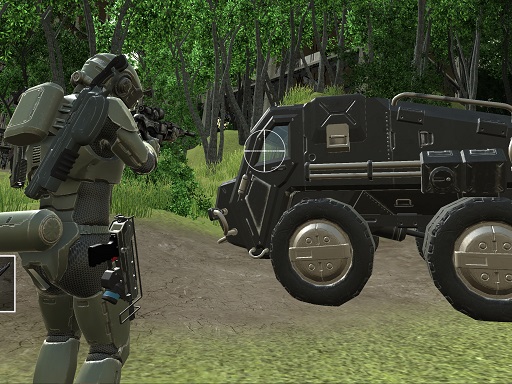
Take the rifle and get ready for a battle in this 3D first person shooter game playable on mobile phone and computer. Your mission is to eliminate all enemies in the area. Shoot enemies, pick up first aid kits and try to survive in this war.
Warfare Area 2 belongs to the Shooting category and is best for quick reactions and arcade breaks. GamPlayer keeps this page useful with a large play screen, quick facts, reporting and related games.
How to play Warfare Area 2
- Press Play now or scroll to the game screen.
- Wait for the embedded game to load from GameMonetize.
- Use computer arrow keys or w a s d to move the character mouse to turn the character aim and shoot l to lock pointer r to reload p - pause mobile use on-screen joystick to move fire button to shoot tap and drag on right side of the scr.
- Use fullscreen if the game needs extra space.
Tips for a better session
- Read the first in-game screen for controls.
- Try fullscreen if the game feels cramped.
- Use related games if this one is close but not perfect.
 Shooting
 Shooting
 Shooting
 Shooting
 Shooting
 Shooting
 Shooting
 Shooting
 Shooting
 Shooting
 Shooting
 Shooting
 Shooting
 Shooting
 Shooting
 Shooting
 Shooting
 Shooting