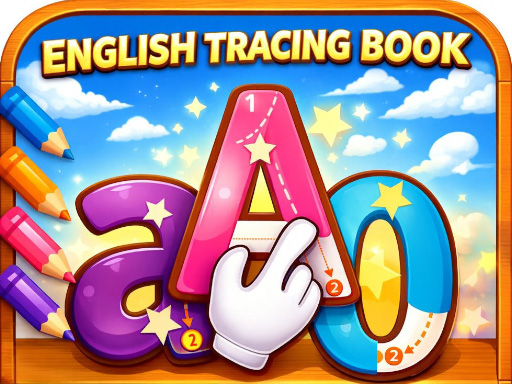
About Trace: Learn
Trace, learn, and create in this fun and colorful educational adventure! Follow guided lines to complete A-Z uppercase and lowercase letters, numbers 0-9, words, and shapes while hearing clear pronunciation and enjoying bright effects. Choose from vibrant colored pencils, use helpful hints when needed, and improve your rating with every perfect trace. Designed especially for kids, this interactive experience makes learning feel like play. Smooth controls, rewarding feedback, and endless practice opportunities keep young learners engaged and motivated. How many letters and shapes can you master?
Trace: Learn belongs to the Puzzles category and is best for family-friendly casual play. GamPlayer keeps this page useful with a large play screen, quick facts, reporting and related games.
How to play Trace: Learn
- Press Play now or scroll to the game screen.
- Wait for the embedded game to load from GameMonetize.
- Use how to play choose a category - letters numbers or words pick the item you want to trace select your favorite colored pencil follow the guide lines and trace carefully stay on the path to get a better rating complete the trace to win.
- Use fullscreen if the game needs extra space.
Tips for a better session
- Scan the whole board before making your first move.
- Slow decisions usually work better than rushed clicks.
- Share the page if you want an easy way back later.
 Puzzles
 Puzzles
 Puzzles
 Puzzles
 Puzzles
 Puzzles
 Puzzles
 Puzzles
 Puzzles
 Puzzles
 Puzzles
 Puzzles
 Puzzles
 Puzzles
 Puzzles
 Puzzles
 Puzzles
 Puzzles