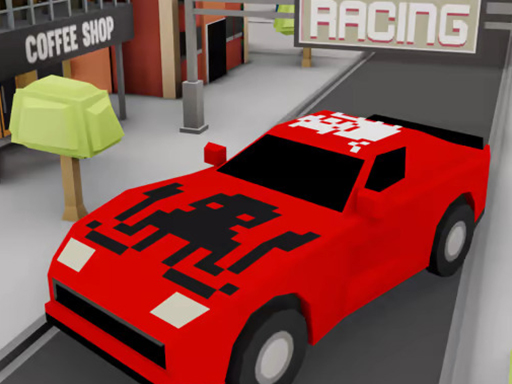
About TinyTownRacing
TinyTownRacing is a 3D driving game where you try and avoid hitting other cars in busy traffic. Steer your car left and right to avoid all the obstacles in the map. Collect golden coins that are scattered around to upgrade and customize your car with unique shiny new skins. You will accelerate the more you drive, so this game will put your reflexes to the test! How long can you go in TinyTownRacing without crashing? Can you unlock every skin in the game?
TinyTownRacing belongs to the Sports category and is best for family-friendly casual play. GamPlayer keeps this page useful with a large play screen, quick facts, reporting and related games.
How to play TinyTownRacing
- Press Play now or scroll to the game screen.
- Wait for the embedded game to load from GameMonetize.
- Use go left - a or left arrow key go right - d or right arrow key.
- Use fullscreen if the game needs extra space.
Tips for a better session
- Test acceleration and turning before chasing a perfect score.
- Fullscreen helps you see corners and obstacles earlier.
- Replay tracks to learn timing.
 Sports
 Sports
 Sports
 Sports
 Sports
 Sports
 Sports
 Sports
 Sports
 Sports
 Sports
 Sports
 Sports
 Sports
 Sports
 Sports
 Sports
 Sports