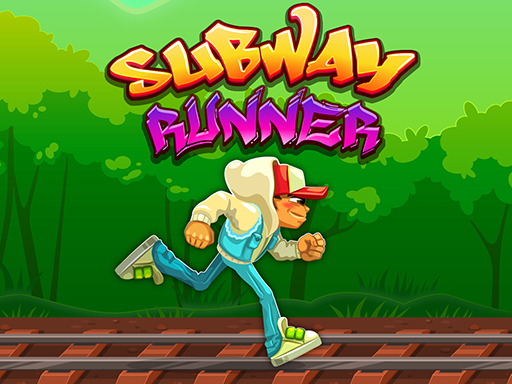
About Subway Runner
Enter the railway! Run as far as you possibly can, evade obstacles of the railway and finish all the achievements in an everchanging and gradually more difficult level design! Collect coins and use them to upgrade your collectible power up capabilities. Challenge your skills and beat your highscore!
Subway Runner belongs to the Hypercasual category and is best for quick reactions and arcade breaks. GamPlayer keeps this page useful with a large play screen, quick facts, reporting and related games.
How to play Subway Runner
- Press Play now or scroll to the game screen.
- Wait for the embedded game to load from GameMonetize.
- Use run on the railway and evade obstacles by jumping and sliding to get as far as possible collect coins to purchase upgrades making your powerups more potent collect dash master slogan every run finish achievements along the way and prove you are the be.
- Use fullscreen if the game needs extra space.
Tips for a better session
- Read the first in-game screen for controls.
- Try fullscreen if the game feels cramped.
- Use related games if this one is close but not perfect.
 Hypercasual
 Hypercasual
 Hypercasual
 Hypercasual
 Hypercasual
 Hypercasual
 Hypercasual
 Hypercasual
 Hypercasual
 Hypercasual
 Hypercasual
 Hypercasual
 Hypercasual
 Hypercasual
 Hypercasual
 Hypercasual
 Hypercasual
 Hypercasual