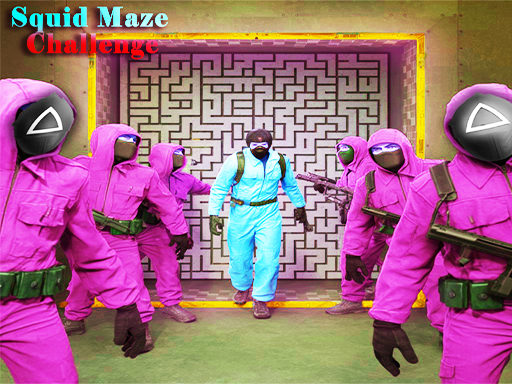
About Squid Maze Challenge
Looking for the most realistic Squid game Experience? Well, squid game Maze challenge is the best choice for you! Just like candy and a pin challenge and like Run green and red light with The girl who stands towards the tree and saying green light red light challenge. In this Squid, players are forced to Run inside some mystery Mazes and the goal is to find the Exit Key and go to the finish Door in this squid task 2022, its called squid game Maze challenge. Some glass is easy to break and some are so strong. Be Smart while choosing your steps and paths or you will be Eliminated!
Squid Maze Challenge belongs to the Adventure category and is best for quick browser entertainment. GamPlayer keeps this page useful with a large play screen, quick facts, reporting and related games.
How to play Squid Maze Challenge
- Press Play now or scroll to the game screen.
- Wait for the embedded game to load from GameMonetize.
- Use wsqd for movement amp jump mouse to look around space for jump mobile virtual joystick for movement touch keys for jump run.
- Use fullscreen if the game needs extra space.
Tips for a better session
- Read the first in-game screen for controls.
- Try fullscreen if the game feels cramped.
- Use related games if this one is close but not perfect.
 Adventure
 Adventure
 Adventure
 Adventure
 Adventure
 Adventure
 Adventure
 Adventure
 Adventure
 Adventure
 Adventure
 Adventure
 Adventure
 Adventure
 Adventure
 Adventure
 Adventure
 Adventure