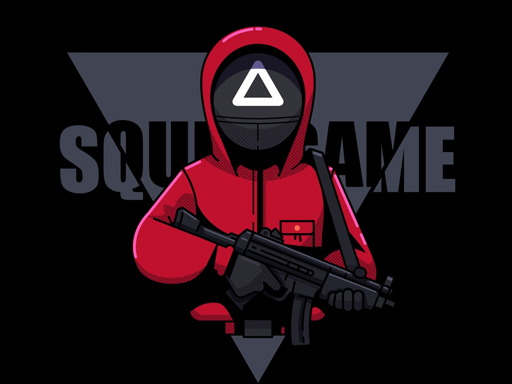
About Squid Games Red Light
All the tasks are harder than you think. Every task has its period so complete the task before the period. The players who are failed in the task will be eliminated and never can perform another task. Players who win the prize pack have become squid challenger game squid. Squid players are ready for every challenge like hair, blob squid run race. Welcome to Squid life, Are you ready for squid challenges?
Squid Games Red Light belongs to the Arcade category and is best for quick browser entertainment. GamPlayer keeps this page useful with a large play screen, quick facts, reporting and related games.
How to play Squid Games Red Light
- Press Play now or scroll to the game screen.
- Wait for the embedded game to load from GameMonetize.
- Use use mouse to control click button left mouse to run and move to direction.
- Use fullscreen if the game needs extra space.
Tips for a better session
- Read the first in-game screen for controls.
- Try fullscreen if the game feels cramped.
- Use related games if this one is close but not perfect.
 Arcade
 Arcade
 Arcade
 Arcade
 Arcade
 Arcade
 Arcade
 Arcade
 Arcade
 Arcade
 Arcade
 Arcade
 Arcade
 Arcade
 Arcade
 Arcade
 Arcade
 Arcade