
About Space Shooter War
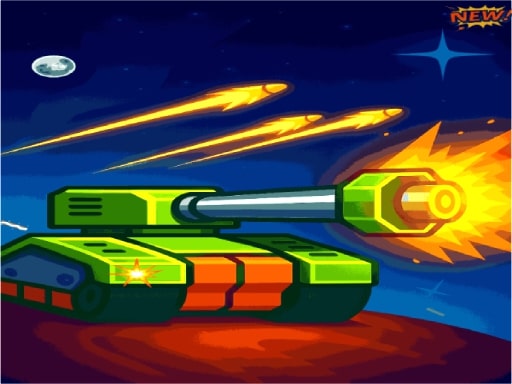
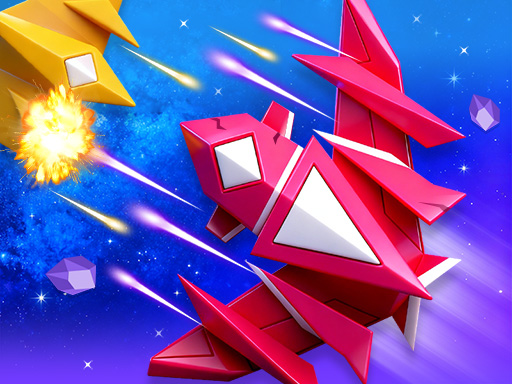
Space Shooter is a classic arcade-style game where the player pilots a spaceship and faces endless waves of enemies. The main objective is to destroy as many enemy ships as possible, avoid incoming projectiles, and survive for as long as you can. The spaceship can be controlled with the keyboard or mouse, and every laser shot counts in the battle for survival. As the game progresses, difficulty increases with faster and more aggressive enemies, keeping the adrenaline high and the challenge engaging. Web Dev <a href='https://www.ovigames.com/'>https://www.ovigames.com/</a>
Space Shooter War belongs to the Shooting category and is best for quick reactions and arcade breaks. GamPlayer keeps this page useful with a large play screen, quick facts, reporting and related games.
How to play Space Shooter War
- Press Play now or scroll to the game screen.
- Wait for the embedded game to load from GameMonetize.
- Use move the mouse on the canvas to move bull click hold to shoot bull arrows a d and space also work bull touch drag finger horizontally hold to fire.
- Use fullscreen if the game needs extra space.
Tips for a better session
- Read the first in-game screen for controls.
- Try fullscreen if the game feels cramped.
- Use related games if this one is close but not perfect.
 Shooting
 Shooting
 Shooting
 Shooting
 Shooting
 Shooting
 Shooting
 Shooting
 Shooting
 Shooting
 Shooting
 Shooting
 Shooting
 Shooting
 Shooting
 Shooting
 Shooting
 Shooting