About Save The Kingdom
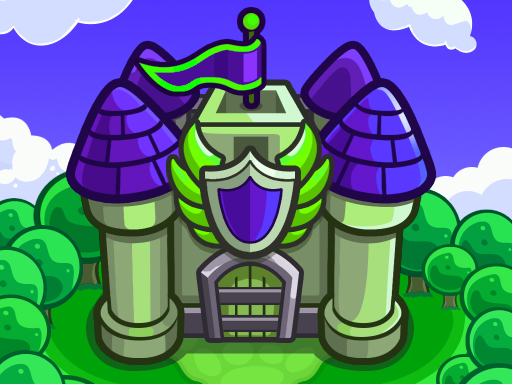
There are some creatures that you need to protect the kingdom in Save The Kingdom, which is a legendary castle defense game. Defend your kingdom from wizards, ghosts, demons and many more monsters. Upgrade your 4 general skills and your castles so you can defend your kingdom. To become invincible, save money and destroy monsters by making all the upgrades. Continue the game without interruption with 50 different levels. Build new castles and become invincible with the points you earn every time you destroy a monster! Have fun.
Save The Kingdom belongs to the Adventure category and is best for quick browser entertainment. GamPlayer keeps this page useful with a large play screen, quick facts, reporting and related games.
How to play Save The Kingdom
- Press Play now or scroll to the game screen.
- Wait for the embedded game to load from GameMonetize.
- Use drag the castle to the area where you will drop it with the mouse or touch.
- Use fullscreen if the game needs extra space.
Tips for a better session
- Read the first in-game screen for controls.
- Try fullscreen if the game feels cramped.
- Use related games if this one is close but not perfect.
 Adventure
 Adventure
 Adventure
 Adventure
 Adventure
 Adventure
 Adventure
 Adventure
 Adventure
 Adventure
 Adventure
 Adventure
 Adventure
 Adventure
 Adventure
 Adventure
 Adventure
 Adventure