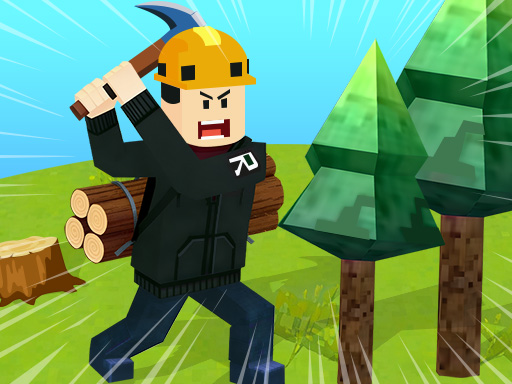
About Roblox World Builder
Roblox World Builder provides a free-form exploration and building experience—you’re not just an adventurer, but a world-builder! Inspired by Roblox-style gameplay, it includes fun minigames and interactive systems to keep moments engaging. You can collect wood, ore and fruits worldwide, construct armor and weapon shops, craft weapons to fight monsters, interact with NPCs to build relationships, complete guild missions for valuable rewards, and upgrade gear to enhance combat and survival.
Roblox World Builder belongs to the Adventure category and is best for quick reactions and arcade breaks. GamPlayer keeps this page useful with a large play screen, quick facts, reporting and related games.
How to play Roblox World Builder
- Press Play now or scroll to the game screen.
- Wait for the embedded game to load from GameMonetize.
- Use on pc wasd to move shift to run g to fly space to jump f to attack z to enter the car c to collect x to chat r to build on mobile click the on-screen button to operate.
- Use fullscreen if the game needs extra space.
Tips for a better session
- Read the first in-game screen for controls.
- Try fullscreen if the game feels cramped.
- Use related games if this one is close but not perfect.
 Adventure
 Adventure
 Adventure
 Adventure
 Adventure
 Adventure
 Adventure
 Adventure
 Adventure
 Adventure
 Adventure
 Adventure
 Adventure
 Adventure
 Adventure
 Adventure
 Adventure
 Adventure