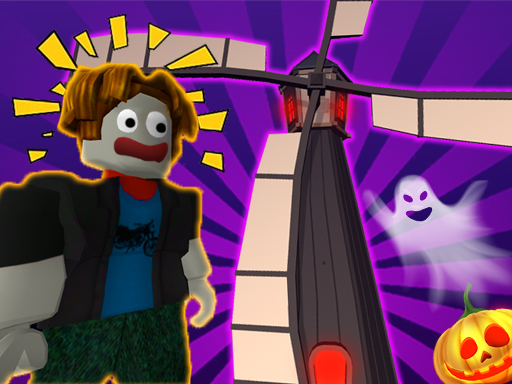
About Roblox: Spooky Tower
This game offers an addictive obstacle course experience that takes you on an adrenaline-fuelled adventure in Halloween Theme. You will test your agility, calculation and precision to overcome this challenging obstacle course. Fast jumps, dynamic platforms and deadly traps will require you to utilise your skills to the max. As you navigate the dangerous terrain, you will struggle to be the fastest and most careful player. Your goal in this fun parkour game is to complete each challenge as fast as possible!
Roblox: Spooky Tower belongs to the Arcade category and is best for speed, driving and reaction practice. GamPlayer keeps this page useful with a large play screen, quick facts, reporting and related games.
How to play Roblox: Spooky Tower
- Press Play now or scroll to the game screen.
- Wait for the embedded game to load from GameMonetize.
- Use - wasd - control the character - space bar - jump - esc - pause the game - rotate the camera with the mouse - r - use the parachute with the key - shift - key to speed up even more.
- Use fullscreen if the game needs extra space.
Tips for a better session
- Test acceleration and turning before chasing a perfect score.
- Fullscreen helps you see corners and obstacles earlier.
- Replay tracks to learn timing.
 Arcade
 Arcade
 Arcade
 Arcade
 Arcade
 Arcade
 Arcade
 Arcade
 Arcade
 Arcade
 Arcade
 Arcade
 Arcade
 Arcade
 Arcade
 Arcade
 Arcade
 Arcade