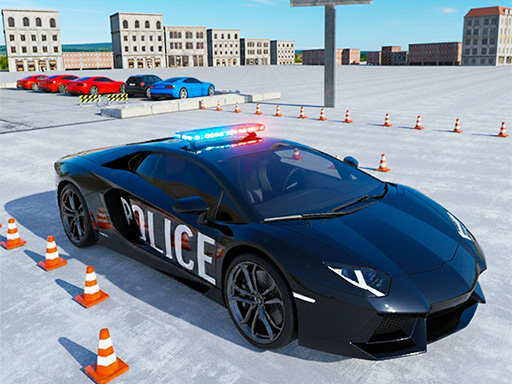
About Police Car Parking Game
Welcome to Police Parking Game, the best police car driving game where you can test your parking skills and experience real cop car driving in 3D environments. Enjoy smooth controls, realistic missions, and fun challenges in this exciting police parking simulator. In this Police Parking Game, you play as a real police officer who drives and parks patrol cars with skill and precision. The goal is simple — park the car safely without hitting obstacles. This parking simulator is perfect for beginners and experts who love driving games.
Police Car Parking Game belongs to the Adventure category and is best for speed, driving and reaction practice. GamPlayer keeps this page useful with a large play screen, quick facts, reporting and related games.
How to play Police Car Parking Game
- Press Play now or scroll to the game screen.
- Wait for the embedded game to load from GameMonetize.
- Use w arrow up rarr move front s arrow down rarr move back a arrow left rarr move left d arrow right rarr move right - to click any button use mouse.
- Use fullscreen if the game needs extra space.
Tips for a better session
- Test acceleration and turning before chasing a perfect score.
- Fullscreen helps you see corners and obstacles earlier.
- Replay tracks to learn timing.
 Adventure
 Adventure
 Adventure
 Adventure
 Adventure
 Adventure
 Adventure
 Adventure
 Adventure
 Adventure
 Adventure
 Adventure
 Adventure
 Adventure
 Adventure
 Adventure
 Adventure
 Adventure