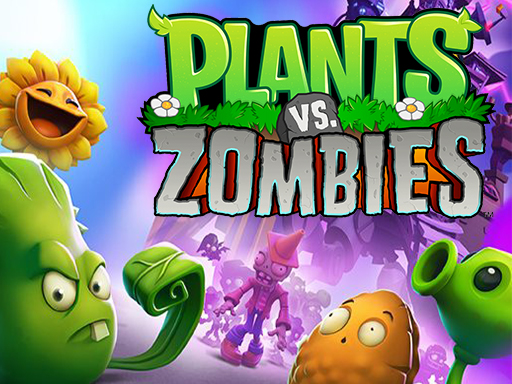
About Plants vs Zombies
Play the hit action-strategy adventure where you meet, greet, and defeat legions of hilarious zombies from the dawn of time, to the end of days. Amass an army of amazing plants, supercharge them with Plant Food, and devise the ultimate plan to protect your brain. DISCOVER HUNDREDS OF PLANTS AND ZOMBIES
Plants vs Zombies belongs to the Adventure category and is best for quick reactions and arcade breaks. GamPlayer keeps this page useful with a large play screen, quick facts, reporting and related games.
How to play Plants vs Zombies
- Press Play now or scroll to the game screen.
- Wait for the embedded game to load from GameMonetize.
- Use drag plants to merge them.
- Use fullscreen if the game needs extra space.
Tips for a better session
- Read the first in-game screen for controls.
- Try fullscreen if the game feels cramped.
- Use related games if this one is close but not perfect.
 Adventure
 Adventure
 Adventure
 Adventure
 Adventure
 Adventure
 Adventure
 Adventure
 Adventure
 Adventure
 Adventure
 Adventure
 Adventure
 Adventure
 Adventure
 Adventure
 Adventure
 Adventure