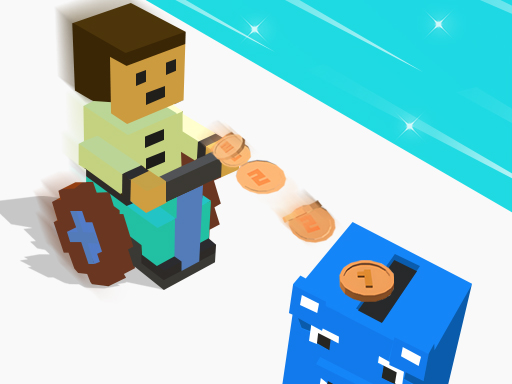
About Piggy Bank Demolish Run
Piggy Bank Demolish Run is a fun and classic 3D pixel-running arcade game. You have to grab special game coins to pass the toy walls. You will fail the game if you hit any red obstacles or traps. You can unlock and use 21 skins in the shop if you collect many gold coins while running. Different toy walls need different game coins, pick the least ones to pass them.
Piggy Bank Demolish Run belongs to the Arcade category and is best for quick browser entertainment. GamPlayer keeps this page useful with a large play screen, quick facts, reporting and related games.
How to play Piggy Bank Demolish Run
- Press Play now or scroll to the game screen.
- Wait for the embedded game to load from GameMonetize.
- Use touch and drag move.
- Use fullscreen if the game needs extra space.
Tips for a better session
- Read the first in-game screen for controls.
- Try fullscreen if the game feels cramped.
- Use related games if this one is close but not perfect.
 Arcade
 Arcade
 Arcade
 Arcade
 Arcade
 Arcade
 Arcade
 Arcade
 Arcade
 Arcade
 Arcade
 Arcade
 Arcade
 Arcade
 Arcade
 Arcade
 Arcade
 Arcade