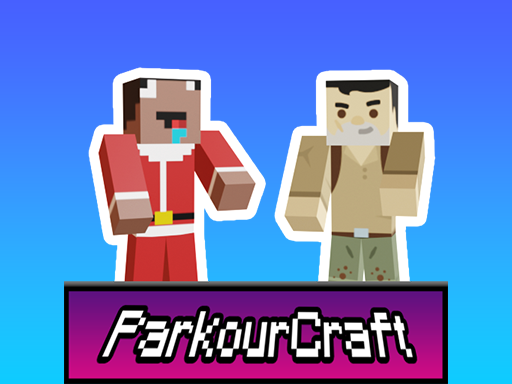
About Parkour Craft Noob Steve
Try to escape from the snowy area! Complete all levels and share your achievements with your friends. Jump over the snow blocks and avoid falling into the icy cold. Its time to show off your parkour skills during Christmas! + Show your skill by successfully completing 8 challenging levels + Aim to reach the portal at the end of each level.
Parkour Craft Noob Steve belongs to the Adventure category and is best for quick browser entertainment. GamPlayer keeps this page useful with a large play screen, quick facts, reporting and related games.
How to play Parkour Craft Noob Steve
- Press Play now or scroll to the game screen.
- Wait for the embedded game to load from GameMonetize.
- Use mouse or right joystick - look around wasd or left joystick - movement space or jump button - jump focus mouse right click on the screen.
- Use fullscreen if the game needs extra space.
Tips for a better session
- Read the first in-game screen for controls.
- Try fullscreen if the game feels cramped.
- Use related games if this one is close but not perfect.
 Adventure
 Adventure
 Adventure
 Adventure
 Adventure
 Adventure
 Adventure
 Adventure
 Adventure
 Adventure
 Adventure
 Adventure
 Adventure
 Adventure
 Adventure
 Adventure
 Adventure
 Adventure