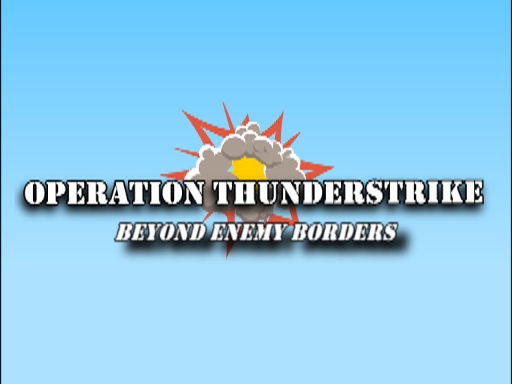
About operation Thunderstrike
This is a demo of the game Operation Thunderstrike. The game has infleunces from classic titles like Metal Slug, Heavy Weapon and Silkworm This is a fast shooting Shmup game where you are in control of either a Tank or a helicopter. Make use of the upgrades throughput the game to make it to the boss at the end of the level! Do you like the game? Got any comments? Dont hesitate and click the links within the game to go to the developers fb page or Itch.io page. Enjoy!
operation Thunderstrike belongs to the Shooting category and is best for quick reactions and arcade breaks. GamPlayer keeps this page useful with a large play screen, quick facts, reporting and related games.
How to play operation Thunderstrike
- Press Play now or scroll to the game screen.
- Wait for the embedded game to load from GameMonetize.
- Use mobile touch screen keyboard tank - left right move tank - up down move turret - v fire bullet - c fire cannon - x jump helicopter - left right up down move heli - v shoot bullet - c shoot cannon.
- Use fullscreen if the game needs extra space.
Tips for a better session
- Read the first in-game screen for controls.
- Try fullscreen if the game feels cramped.
- Use related games if this one is close but not perfect.
 Shooting
 Shooting
 Shooting
 Shooting
 Shooting
 Shooting
 Shooting
 Shooting
 Shooting
 Shooting
 Shooting
 Shooting
 Shooting
 Shooting
 Shooting
 Shooting
 Shooting
 Shooting