About Obby Universe: Mini Games Online
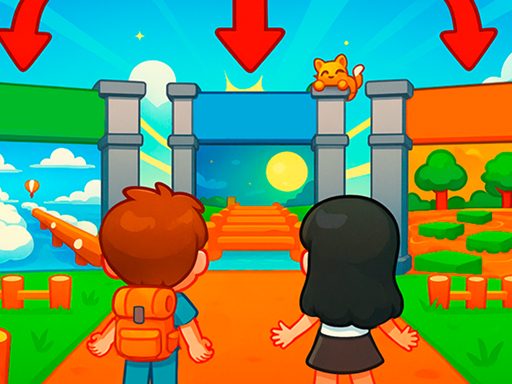
Obby Universe: Mini Games Online A world of incredible adventures! Play: Escape lava waves and outsmart evil traps in unique mini-games. Explore: Find secrets and enjoy parachute jumps or water slides. Build: Construct your own city and even design your personal house to earn bonuses. Customize: Choose from 150+ items for your character and adopt a cool pet. Join the fun now!
Obby Universe: Mini Games Online belongs to the Arcade category and is best for quick browser entertainment. GamPlayer keeps this page useful with a large play screen, quick facts, reporting and related games.
How to play Obby Universe: Mini Games Online
- Press Play now or scroll to the game screen.
- Wait for the embedded game to load from GameMonetize.
- Use on pc 1 wasd - move 2 hold right mouse button - control camera 3 spacebar - jump on phone 1 left joystick - walk 2 press and drag finger on right part of screen - control camera 3 jump button on right - jump.
- Use fullscreen if the game needs extra space.
Tips for a better session
- Read the first in-game screen for controls.
- Try fullscreen if the game feels cramped.
- Use related games if this one is close but not perfect.
 Arcade
 Arcade
 Arcade
 Arcade
 Arcade
 Arcade
 Arcade
 Arcade
 Arcade
 Arcade
 Arcade
 Arcade
 Arcade
 Arcade
 Arcade
 Arcade
 Arcade
 Arcade