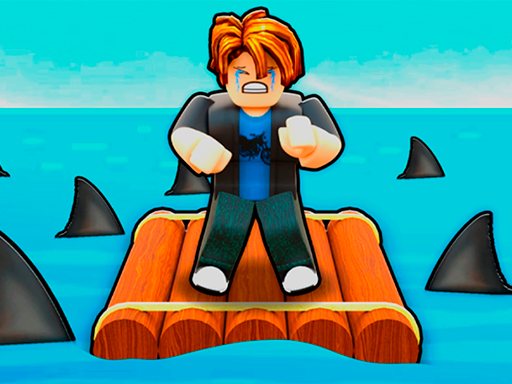
About Obby: Raft
Welcome to Obby: Raft! In this game you have to fish to gain points and unlock new levels and abilities. Develop, win, collect unique pets and get stronger with each world! Practice - increase your knowledge for new achievements. Fish - develop and improve your skills. Pet - unlock allies for extra help. New Locations - explore unique worlds.
Obby: Raft belongs to the Adventure category and is best for family-friendly casual play. GamPlayer keeps this page useful with a large play screen, quick facts, reporting and related games.
How to play Obby: Raft
- Press Play now or scroll to the game screen.
- Wait for the embedded game to load from GameMonetize.
- Use pc w a s d - move pcm - rotate camera lkm - lick mobile device left joystick - move right side of the screen - rotate camera.
- Use fullscreen if the game needs extra space.
Tips for a better session
- Read the first in-game screen for controls.
- Try fullscreen if the game feels cramped.
- Use related games if this one is close but not perfect.
 Adventure
 Adventure
 Adventure
 Adventure
 Adventure
 Adventure
 Adventure
 Adventure
 Adventure
 Adventure
 Adventure
 Adventure
 Adventure
 Adventure
 Adventure
 Adventure
 Adventure
 Adventure