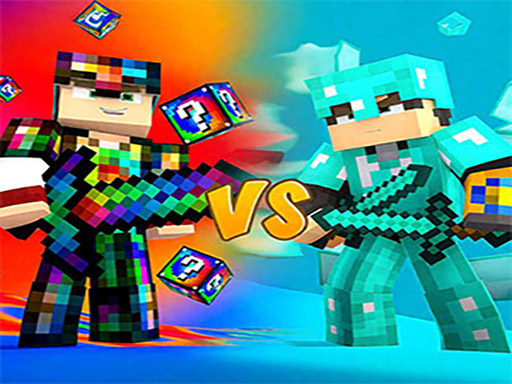
About Minecraft Battle Party
Ready for a hot feast of square battles? In Minecraft Battle Party, youll enter a pixel-styled battle arena where nervous fighting meets iconic Minecraft-style visuals. In this world, every game is a duel to the death. You will play different roles and use different weapons. For example, as a gunner, constantly move your character so that enemies are shot within your scanning range. Watch out for other peoples attacks.
Minecraft Battle Party belongs to the Arcade category and is best for quick reactions and arcade breaks. GamPlayer keeps this page useful with a large play screen, quick facts, reporting and related games.
How to play Minecraft Battle Party
- Press Play now or scroll to the game screen.
- Wait for the embedded game to load from GameMonetize.
- Use mouse click or tap to play.
- Use fullscreen if the game needs extra space.
Tips for a better session
- Read the first in-game screen for controls.
- Try fullscreen if the game feels cramped.
- Use related games if this one is close but not perfect.
 Arcade
 Arcade
 Arcade
 Arcade
 Arcade
 Arcade
 Arcade
 Arcade
 Arcade
 Arcade
 Arcade
 Arcade
 Arcade
 Arcade
 Arcade
 Arcade
 Arcade
 Arcade