
About Magic Bridge
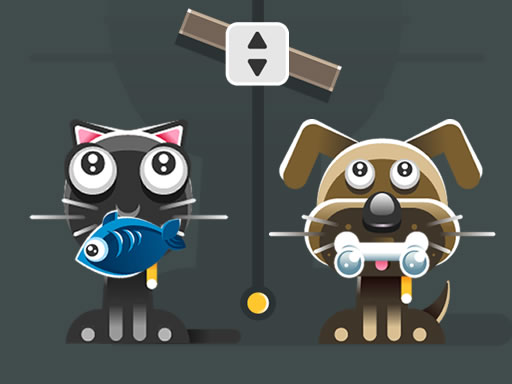
Magic Bridge is a skill game created by Neutronized. Take control of one of the many cat characters and try to stay alive on a bridge that keeps moving upward. The bridge will point downward depending on where you stand, so you have to be quick on your paws to keep a steady balance. Avoid all enemies, pick up all the coins and unlock more characters who have different strengths. Jump on the bridge and experience this endless fun!
Magic Bridge belongs to the Hypercasual category and is best for family-friendly casual play. GamPlayer keeps this page useful with a large play screen, quick facts, reporting and related games.
How to play Magic Bridge
- Press Play now or scroll to the game screen.
- Wait for the embedded game to load from GameMonetize.
- Use move on the platform and avoid touching the enemies move cat - a d or left right arrow keys.
- Use fullscreen if the game needs extra space.
Tips for a better session
- Read the first in-game screen for controls.
- Try fullscreen if the game feels cramped.
- Use related games if this one is close but not perfect.
 Hypercasual
 Hypercasual
 Hypercasual
 Hypercasual
 Hypercasual
 Hypercasual
 Hypercasual
 Hypercasual
 Hypercasual
 Hypercasual
 Hypercasual
 Hypercasual
 Hypercasual
 Hypercasual
 Hypercasual
 Hypercasual
 Hypercasual
 Hypercasual