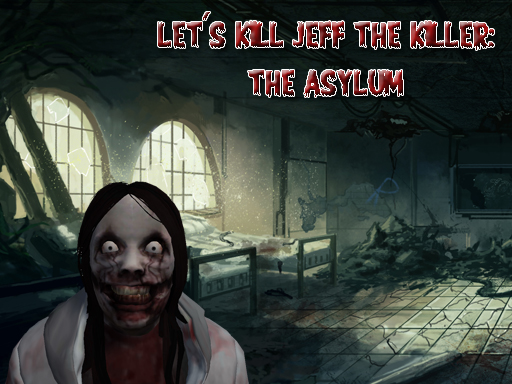
About Let's Kill Jeff The Killer: The Asylum
Find yourself in an abandoned asylum, search it for 8 photos of legendary Jeff The Killer to prove his existence, and make it out alive.
Let's Kill Jeff The Killer: The Asylum belongs to the Adventure category and is best for quick browser entertainment. GamPlayer keeps this page useful with a large play screen, quick facts, reporting and related games.
How to play Let's Kill Jeff The Killer: The Asylum
- Press Play now or scroll to the game screen.
- Wait for the embedded game to load from GameMonetize.
- Use mouse 1 fire mouse 2 aim block w-s-a-d walk left shift sprint left ctrl crouch x prone space jump f use item r reload h holster weapon g grenade v melee attack esc or tab pause.
- Use fullscreen if the game needs extra space.
Tips for a better session
- Read the first in-game screen for controls.
- Try fullscreen if the game feels cramped.
- Use related games if this one is close but not perfect.
 Adventure
 Adventure
 Adventure
 Adventure
 Adventure
 Adventure
 Adventure
 Adventure
 Adventure
 Adventure
 Adventure
 Adventure
 Adventure
 Adventure
 Adventure
 Adventure
 Adventure
 Adventure