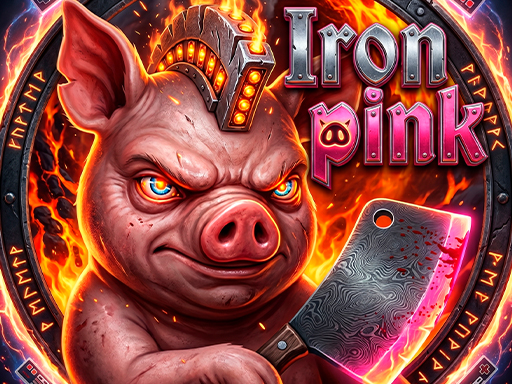
About Iron pink
Iron Pink is a fast-paced, hilarious fighting game where you play as a fearless pig defending against an endless onslaught of hungry wolves! Use lightning-fast punches, kicks, and combos to smash, kick, and throw your enemies before they reach you. The action never stops as wave after wave of wolves attack from both sides, armed with everything from chainsaws to rockets. Features: - Addictive, never-ending fighting action - Dozens of unique enemies and crazy weapons to grab and use against them - Multiple characters to unlock, each with their own style - Different game modes including Classic and Survival
Iron pink belongs to the Arcade category and is best for quick reactions and arcade breaks. GamPlayer keeps this page useful with a large play screen, quick facts, reporting and related games.
How to play Iron pink
- Press Play now or scroll to the game screen.
- Wait for the embedded game to load from GameMonetize.
- Use mouse click tap or arrow keys to punch and kick catch and throw enemy weapons survive the endless waves.
- Use fullscreen if the game needs extra space.
Tips for a better session
- Read the first in-game screen for controls.
- Try fullscreen if the game feels cramped.
- Use related games if this one is close but not perfect.
 Arcade
 Arcade
 Arcade
 Arcade
 Arcade
 Arcade
 Arcade
 Arcade
 Arcade
 Arcade
 Arcade
 Arcade
 Arcade
 Arcade
 Arcade
 Arcade
 Arcade
 Arcade