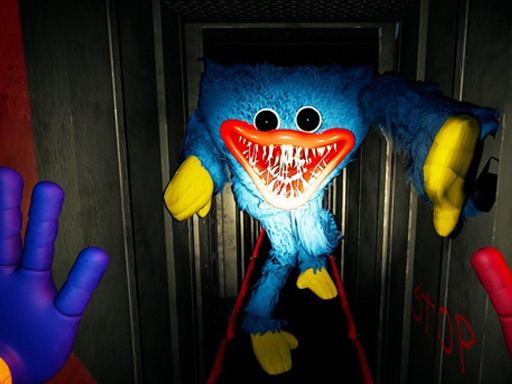
About Hugie Wugie Runner
A funny creature named Hugie Wugie will learn to ride a bike today. You in the game Hugie Wugie Runner will help him in this. In front of you on the screen will be visible your character sitting behind the wheel of a bicycle. It will be located in a hilly area. At a signal, Huggy will start pedaling and rush forward along the road gradually gaining speed. Look carefully at the screen. Your hero will take off at speed to the hills and then descend from them. Your task is to help the hero maintain balance and not let him fall off the bike. If this still happens, then you will lose the round and start completing the level in the game Hugie Wugie Runner again
Hugie Wugie Runner belongs to the Arcade category and is best for family-friendly casual play. GamPlayer keeps this page useful with a large play screen, quick facts, reporting and related games.
How to play Hugie Wugie Runner
- Press Play now or scroll to the game screen.
- Wait for the embedded game to load from GameMonetize.
- Use use mouse or touch the screen.
- Use fullscreen if the game needs extra space.
Tips for a better session
- Test acceleration and turning before chasing a perfect score.
- Fullscreen helps you see corners and obstacles earlier.
- Replay tracks to learn timing.
 Arcade
 Arcade
 Arcade
 Arcade
 Arcade
 Arcade
 Arcade
 Arcade
 Arcade
 Arcade
 Arcade
 Arcade
 Arcade
 Arcade
 Arcade
 Arcade
 Arcade
 Arcade