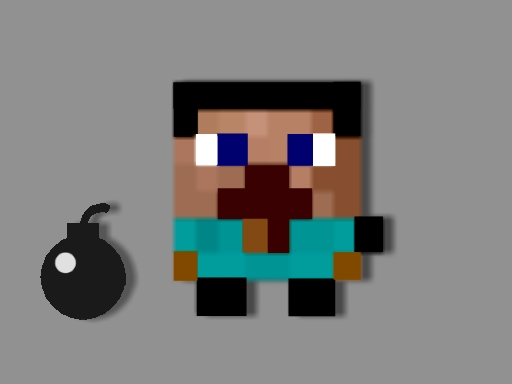
About Funny Bomber
Funny Bomber, The Amazing Free-to-Play Online action game! Get ready for an exhilarating gaming experience with Funny Bomber, an action-packed game that will keep you entertained for hours. As you step into the virtual world, youll find yourself immersed in a vibrant and dynamic environment filled with excitement and challenges. In Funny Bomber, your objective is simple yet thrilling: blow up all the crystals scattered throughout the level to open the door and get in the temple!
Funny Bomber belongs to the Arcade category and is best for family-friendly casual play. GamPlayer keeps this page useful with a large play screen, quick facts, reporting and related games.
How to play Funny Bomber
- Press Play now or scroll to the game screen.
- Wait for the embedded game to load from GameMonetize.
- Use use wasd to move and left mouse click to activate the bomb.
- Use fullscreen if the game needs extra space.
Tips for a better session
- Read the first in-game screen for controls.
- Try fullscreen if the game feels cramped.
- Use related games if this one is close but not perfect.
 Arcade
 Arcade
 Arcade
 Arcade
 Arcade
 Arcade
 Arcade
 Arcade
 Arcade
 Arcade
 Arcade
 Arcade
 Arcade
 Arcade
 Arcade
 Arcade
 Arcade
 Arcade