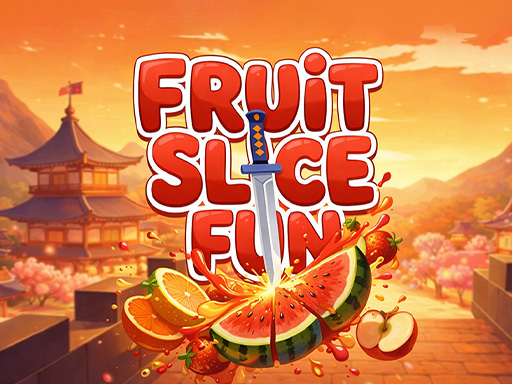
About Fruit Slicer Fun
Welcome to the dojo, ninja! Your mission: master the art of fruit slicing in Fruit Slicer Fun! Grab your blade and dive into the juicy action across three thrilling game modes. Aim for a new high score in Arcade mode by slicing fruit combos while avoiding bombs, and use special boosters like Double Score, Freeze, or Frenzy to maximize your points. Want a calmer experience? Relax and slice at your own pace in Zen Mode. Or test your skills in Classic Mode, where the challenge is to slice as much fruit as possible without dropping any or hitting bombs. Slice, dice, and become the ultimate fruit ninja today!
Fruit Slicer Fun belongs to the Arcade category and is best for quick reactions and arcade breaks. GamPlayer keeps this page useful with a large play screen, quick facts, reporting and related games.
How to play Fruit Slicer Fun
- Press Play now or scroll to the game screen.
- Wait for the embedded game to load from GameMonetize.
- Use mouse click and swipe over the fruits to cut them.
- Use fullscreen if the game needs extra space.
Tips for a better session
- Read the first in-game screen for controls.
- Try fullscreen if the game feels cramped.
- Use related games if this one is close but not perfect.
 Arcade
 Arcade
 Arcade
 Arcade
 Arcade
 Arcade
 Arcade
 Arcade
 Arcade
 Arcade
 Arcade
 Arcade
 Arcade
 Arcade
 Arcade
 Arcade
 Arcade
 Arcade