About Fish Super IO Eating
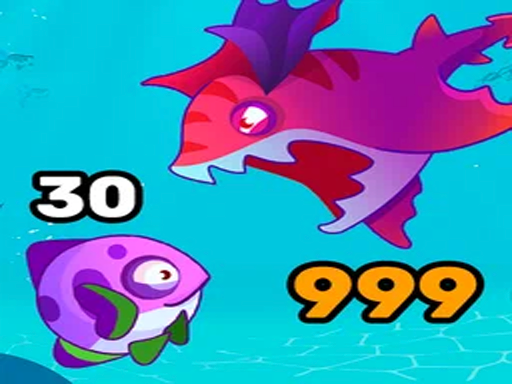
Welcome to an exciting underwater world! In this 2D game, you begin your journey as a small fish, exploring the depths of the ocean and feeding on smaller fish to grow. With each level, your fish becomes bigger, unlocking new opportunities — hunt larger prey and dominate the underwater world. Enjoy unique levels, dynamic gameplay, and engaging mechanics. Play, grow, and become the true king of the ocean!
Fish Super IO Eating belongs to the Arcade category and is best for quick browser entertainment. GamPlayer keeps this page useful with a large play screen, quick facts, reporting and related games.
How to play Fish Super IO Eating
- Press Play now or scroll to the game screen.
- Wait for the embedded game to load from GameMonetize.
- Use pc controls the fish moves relative to the mouse position from the center of the screen bull space or left mouse button lmb mdash boost speed up mobile controls the fish is controlled using a standard virtual joystick bull tap the lightning i.
- Use fullscreen if the game needs extra space.
Tips for a better session
- Read the first in-game screen for controls.
- Try fullscreen if the game feels cramped.
- Use related games if this one is close but not perfect.
 Arcade
 Arcade
 Arcade
 Arcade
 Arcade
 Arcade
 Arcade
 Arcade
 Arcade
 Arcade
 Arcade
 Arcade
 Arcade
 Arcade
 Arcade
 Arcade
 Arcade
 Arcade