About Drive Car
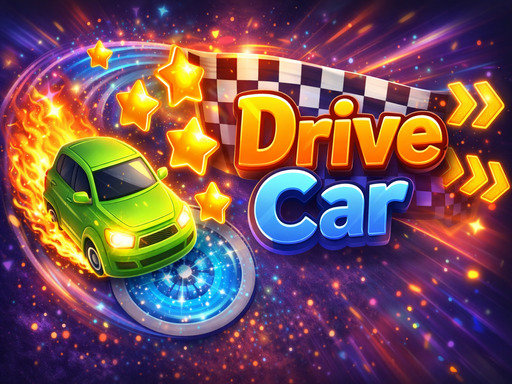
Drive Car is a fun skill game where you control a car to navigate challenging roads, collect stars, and reach the finish line safely. Drive skillfully, avoid obstacles, and choose the right direction to prevent the car from flipping over. Each level features different terrains, requiring quick reflexes and precise control, creating an engaging and challenging entertainment experience.
Drive Car belongs to the Adventure category and is best for speed, driving and reaction practice. GamPlayer keeps this page useful with a large play screen, quick facts, reporting and related games.
How to play Drive Car
- Press Play now or scroll to the game screen.
- Wait for the embedded game to load from GameMonetize.
- Use use w a s d or arrow button to move.
- Use fullscreen if the game needs extra space.
Tips for a better session
- Test acceleration and turning before chasing a perfect score.
- Fullscreen helps you see corners and obstacles earlier.
- Replay tracks to learn timing.
 Adventure
 Adventure
 Adventure
 Adventure
 Adventure
 Adventure
 Adventure
 Adventure
 Adventure
 Adventure
 Adventure
 Adventure
 Adventure
 Adventure
 Adventure
 Adventure
 Adventure
 Adventure