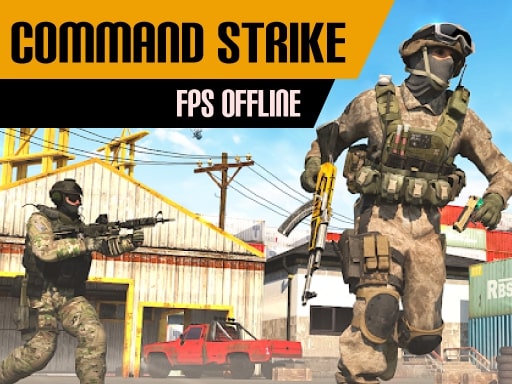
About Command Strike FPS Offline
Embark on a perilous journey in Command Strike FPS Offline, a brand new 3D shooter where you must fight for your life by eliminating every person you come across. You will get closer to finishing the map with every person you remove. Kill foes from every angle in battle royale games as a stealthy assassin with the most captivating sniper experience.
Command Strike FPS Offline belongs to the Action category and is best for quick reactions and arcade breaks. GamPlayer keeps this page useful with a large play screen, quick facts, reporting and related games.
How to play Command Strike FPS Offline
- Press Play now or scroll to the game screen.
- Wait for the embedded game to load from GameMonetize.
- Use instructions you must join the various game maps and finish each level while staying on the move and shooting all enemies before they kill you controls left click to shoot right click to aim wasd to move ctrl to run spacebar to jump r recharge.
- Use fullscreen if the game needs extra space.
Tips for a better session
- Read the first in-game screen for controls.
- Try fullscreen if the game feels cramped.
- Use related games if this one is close but not perfect.
 Action
 Action
 Action
 Action
 Action
 Action
 Action
 Action
 Action
 Action
 Action
 Action
 Action
 Action
 Action
 Action
 Action
 Action