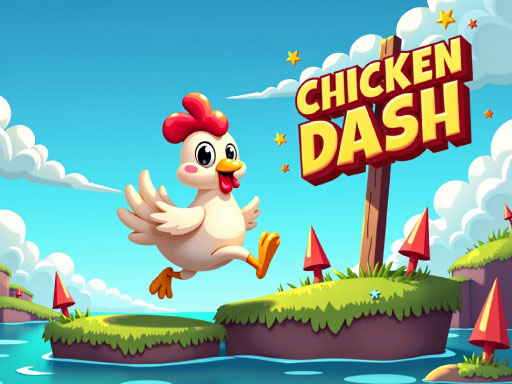
About Chicken Dash
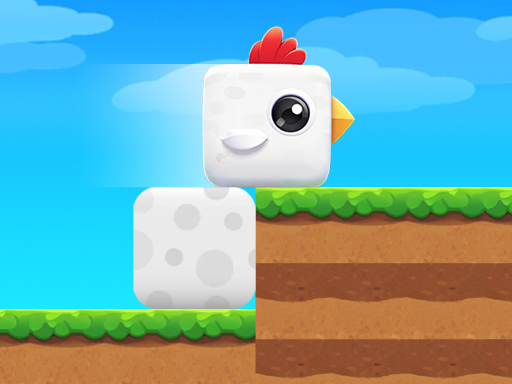
Chicken Dash is a fun and fast platform game where you help a little chicken run and jump its way to the finish line. Each level is full of tricky obstacles, and you need to time your jumps perfectly to avoid them. Along the way, collect shiny coins to boost your score. It’s a simple and exciting adventure that’s perfect for all ages!
Chicken Dash belongs to the Hypercasual category and is best for quick browser entertainment. GamPlayer keeps this page useful with a large play screen, quick facts, reporting and related games.
How to play Chicken Dash
- Press Play now or scroll to the game screen.
- Wait for the embedded game to load from GameMonetize.
- Use desktop up arrow jump right arrow move forward click and drag move the chicken mobile tap right side move tap and swipe up jump.
- Use fullscreen if the game needs extra space.
Tips for a better session
- Read the first in-game screen for controls.
- Try fullscreen if the game feels cramped.
- Use related games if this one is close but not perfect.
 Hypercasual
 Hypercasual
 Hypercasual
 Hypercasual
 Hypercasual
 Hypercasual
 Hypercasual
 Hypercasual
 Hypercasual
 Hypercasual
 Hypercasual
 Hypercasual
 Hypercasual
 Hypercasual
 Hypercasual
 Hypercasual
 Hypercasual
 Hypercasual