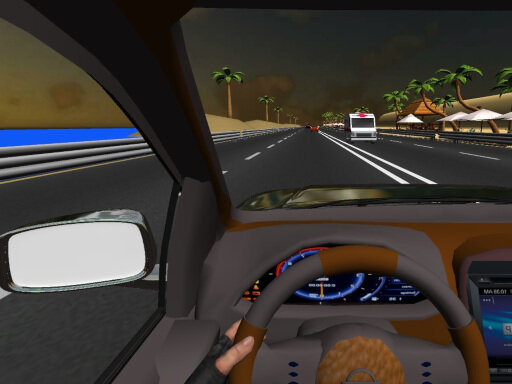
About Car Traffic Sim
Car Traffic Sim is a realistic driving game, you have a busy street with many cars and you have to take your fuel or driving under the pressure of time, if you want to be relaxed you have endless road and complete freedom to drive. Be careful and avoid to collide with the other cars. Features • 3 game modes • Multiple levels to acomplish • Good graphics • Realistic gameplay
Car Traffic Sim belongs to the Racing category and is best for speed, driving and reaction practice. GamPlayer keeps this page useful with a large play screen, quick facts, reporting and related games.
How to play Car Traffic Sim
- Press Play now or scroll to the game screen.
- Wait for the embedded game to load from GameMonetize.
- Use wasd to control car l to toggle lights space to horn.
- Use fullscreen if the game needs extra space.
Tips for a better session
- Test acceleration and turning before chasing a perfect score.
- Fullscreen helps you see corners and obstacles earlier.
- Replay tracks to learn timing.
 Racing
 Racing
 Racing
 Racing
 Racing
 Racing
 Racing
 Racing
 Racing
 Racing
 Racing
 Racing
 Racing
 Racing
 Racing
 Racing
 Racing
 Racing